
How to Prepare Images for a Better 3D Model
Use clearer subjects, simpler backgrounds, useful viewing angles, and consistent lighting to give image-to-3D generation better shape information.
 Img to STL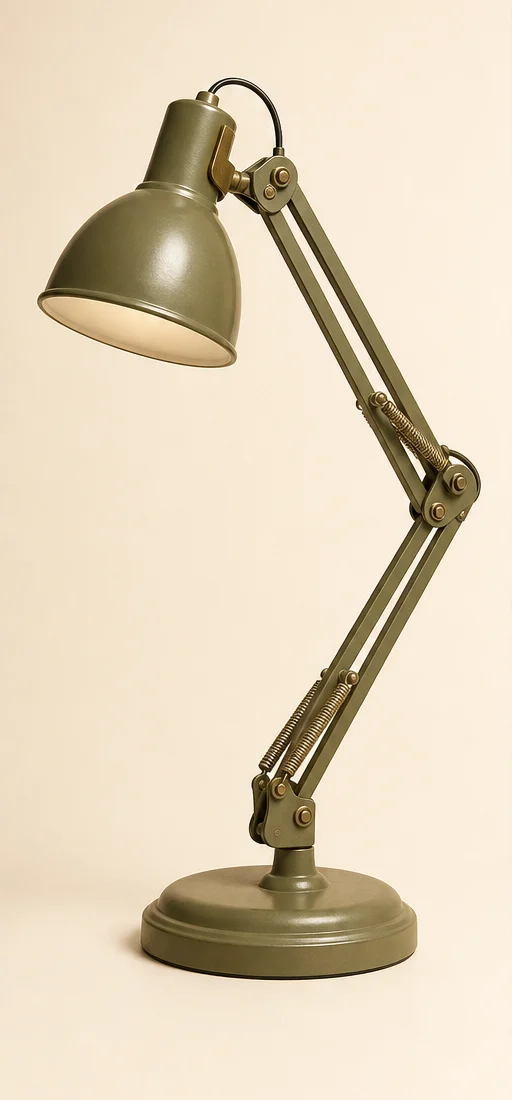
The quality of an image-to-3D result depends heavily on what the reference images reveal. You do not need a studio setup, but a few deliberate choices can make the subject easier to understand.
Start with one clear subject
Choose an image where the object is fully visible and separated from the background. Avoid heavy cropping, overlapping objects, motion blur, and large shadows that hide its outline.
A plain or visually quiet background helps the model distinguish the object from its surroundings.
Show useful angles
A front image is enough to begin. Add side or back views when they reveal important parts that the first image cannot show.
Useful extra views should:
- show the same object in the same configuration;
- use similar lighting and scale;
- reveal new shape information;
- avoid repeating nearly identical angles.
More images are not automatically better. A small set of consistent views is usually more helpful than many conflicting ones.
Prefer even lighting
Soft, even lighting makes edges and surface transitions easier to read. Strong reflections, deep shadows, transparent materials, and mirror-like finishes can make the apparent shape ambiguous.
Inspect before you continue
After generation, rotate the preview and compare the silhouette with your references. Pay particular attention to thin parts, openings, joints, and hidden areas inferred by AI.
Treat the result as an editable 3D starting point. Before printing, verify the STL in a slicer or modeling tool for scale, wall thickness, supports, orientation, and surface integrity.