
Search for “image to STL” and you'll find three very different things. Some tools build a full 3D object, some raise the picture off a flat plate, and some make a thin panel that shows the photo when light shines through it. That's why lithophane vs relief is the first thing to settle: they're all STL files, but they print very differently, and the third option — a full 3D model — is a different thing again.
Lithophane vs relief vs 3D model at a glance
| Lithophane | Relief / heightmap | Full 3D model | |
|---|---|---|---|
| What you get | A thin panel that shows the photo against the light | A flat plate with the picture raised from it | A solid object you can pick up and turn around |
| You see it by | Light shining through it | Light falling on it (shadows) | Its shape from every side |
| Back and sides | Flat | Flat | Built by AI from your photos |
| How it's made | Brightness becomes thickness | Brightness or an outline becomes height | A 3D generation model rebuilds the shape |
| Best for | Night lights, lamp shades, photo gifts | Signs, logos, coasters, wall art | Pets, figurines, toys, props, replacement parts |
What is a lithophane?
A lithophane is a thin panel where thicker areas let less light through. Held up to a window or a lamp, the photo appears in shades of light and dark; with the light off, it just looks like a textured white plate.
The name comes from 19th-century porcelain panels made the same way. A 3D printed lithophane works on the same principle: a lithophane maker reads the brightness of each pixel and turns dark areas into thick plastic and light areas into thin plastic. The thinnest parts are often well under a millimeter and the thickest around 3 mm, so the whole panel stays light enough to glow.
Lithophanes are usually printed in white filament with 100% infill, so the thickness alone controls the light. They make great night lights, lamp shades, light boxes and photo gifts.
What is a relief?
A relief turns a picture into a flat plate where some parts stand higher than others. You see it by the shadows that light casts across it, not by light passing through. There are two common ways to make one from an image:
- Heightmap: each pixel's brightness becomes a height, so lighter (or darker) areas stand taller and the picture appears in relief. This is what “image to heightmap STL” and “photo to relief STL” tools do.
- Outline extrusion: the shape's silhouette is traced and pushed up to the same height everywhere, like a cookie cutter.
A low relief that barely rises from its background is called a bas relief; a high relief stands out much further, sometimes with parts almost free of the plate. Either way, the back stays flat.
Reliefs are quick to make and print well flat on the bed. They're the right choice for logos, name plates, coasters and wall art — anything that's meant to be seen from the front.
Lithophane vs relief: the difference
Both start from one image and both come out as a flat STL, so they're easy to mix up. The difference is how you look at them:
- Light. A lithophane is lit from behind and only shows the picture when light passes through. A relief is lit from the front, and the picture comes from its shadows.
- What the image controls. In a lithophane, brightness sets thickness. In a relief, brightness or an outline sets height above a solid base.
- Material. Lithophanes need white or very light filament to work. A relief can be any color, and two-color prints work well for signs and logos.
- Printing. A relief prints flat with no supports. A lithophane is often printed upright for finer shading, though it can be printed flat too.
Full 3D model: when you need the back too
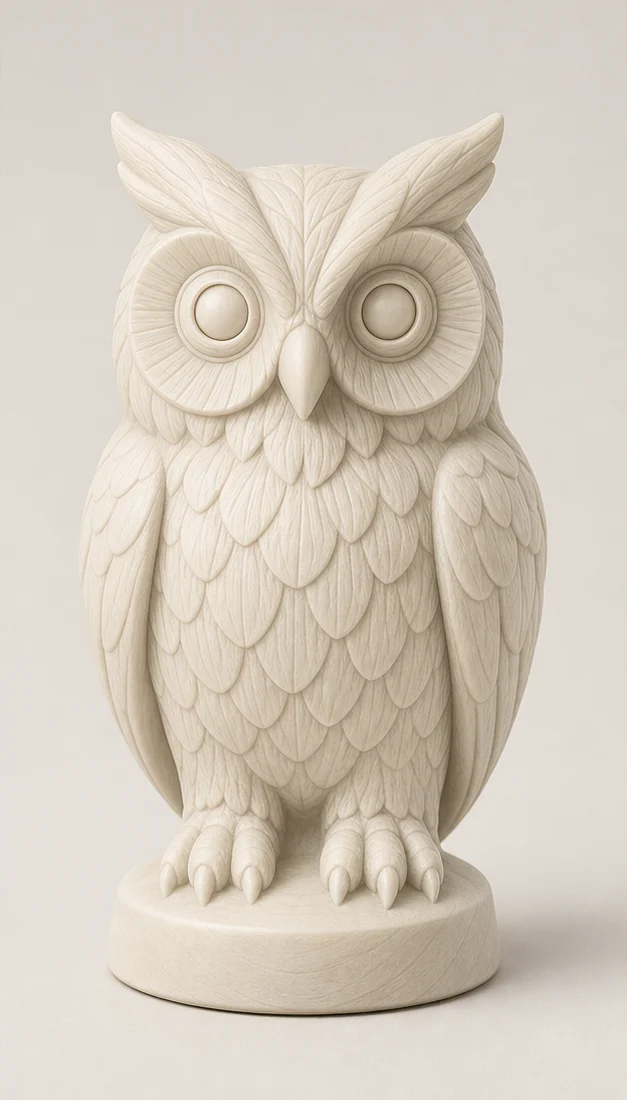
A full 3D model is an object with real depth: a front, a back, sides and an underside. Neither a lithophane nor a relief can give you that. To make one from photos, an AI 3D generation model reads the shape it can see and builds the parts it can't. One photo works; a back photo and a side photo make the result much closer to the real thing.
This is what Img to STL makes. You upload one to five photos, set the height in millimeters, flatten the base so it stands on the bed and download the STL.
Good to know: the hidden parts are reconstructed, not scanned. It's a great fit for figurines and objects you recognize at a glance, and less so for exact mechanical parts that need precise measurements.
Which one do you need?
- You want a photo that glows when lit from behind → a lithophane.
- You want a picture or logo on a flat surface → a relief.
- You want to hold it, turn it around or put it on a shelf → a full 3D model.
If the back of your print matters, you need a full 3D model. Reliefs and lithophanes are flat behind.
Where to make a relief or a lithophane
Img to STL only makes full 3D models. For a relief or a lithophane, look for a dedicated “lithophane maker” or “image to heightmap STL” tool — many are free and run in the browser — or check whether your slicer has a built-in option for it. They need only one image and work best with high-contrast photos.
FAQ
Can Img to STL make a lithophane? No. It builds full 3D objects with a back and sides. Use a lithophane maker for a lit photo panel.
Can you print a lithophane flat? Yes. Flat prints are quicker and don't wobble, but each change in thickness becomes a visible layer step. Printing upright usually shows smoother shading, which is why most guides suggest it.
Is a relief the same as a 2.5D model? Yes, more or less. A 2.5D model has depth on one side only, which is what a relief is.
What's the difference between bas relief and high relief? Only how far the picture rises. A bas relief is shallow and stays close to the plate; a high relief stands out much more. Both have a flat back.
Can I turn a heightmap or a logo into an STL here? No. Img to STL doesn't extrude outlines or convert heightmaps. It builds a full model of the object shown in your photos.
Which is easier to print? Reliefs and lithophanes are flat, so they rarely need supports. A full 3D model may need supports for overhangs — turning on Flat base helps it stand on the bed.