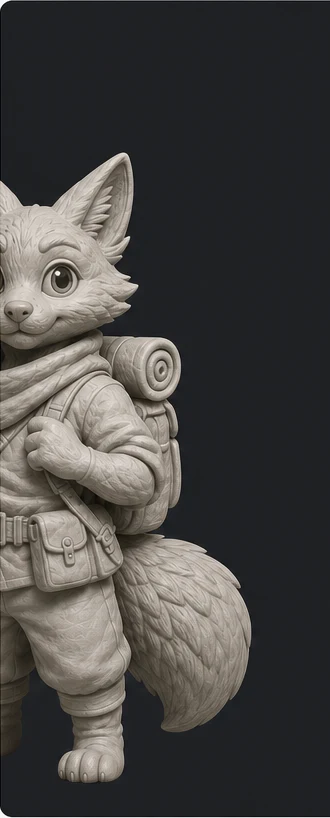
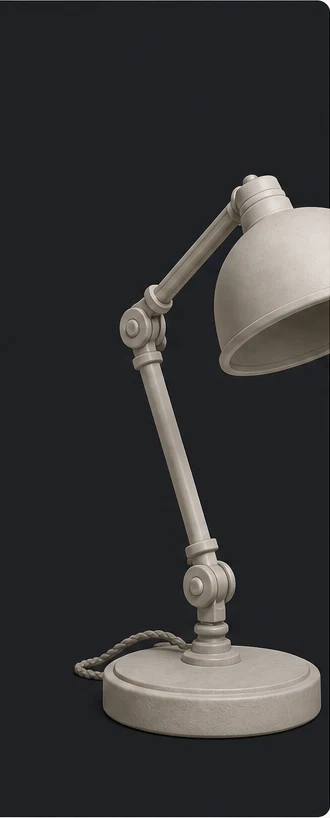
What is an AI STL generator?
A tool that uses a 3D generation model to turn images (or, in some tools, text) into a 3D mesh and save it as an STL file. This one works from images: it builds a full object with a back and sides, sizes it in millimeters and checks it for printing.
Can AI generate STL files for 3D printing?
Yes, and it already does well on organic objects: figurines, pets, busts, toys and props. Upload images here and the AI returns a printable mesh; you set the height, flatten the base, check it is watertight and download the STL. Mechanical parts that need exact dimensions are still better drawn in CAD.
Can AI like Grok or ChatGPT generate STL files directly?
Not the way a 3D generator does. Chat assistants such as ChatGPT and Grok can write OpenSCAD or Python code for simple geometric shapes, and some can run that code to produce a file, but they can't turn a photo of your dog into a detailed mesh. That takes a dedicated AI 3D model generator, which is what this page uses.
Can an AI STL generator work from text?
This one doesn't; it generates from images only. If all you have is an idea, make a picture of it first, with an AI image generator, a render or a sketch, then upload that here. A clear image of a single object on a plain background works best.
Is there a free AI STL generator with no sign-up?
Not this one. Each model runs on a paid 3D AI service, so you sign in (the account is free) and spend credits: 15 for Standard, 25 for High detail.
Credit packs start at $5.99 for 75 credits and never expire, and failed generations are refunded.
What is an STL file for 3D printing?
The file format slicers read to know an object's shape. An STL lists the surface as triangles, with no color, texture or material, so any texture an AI 3D model has doesn't carry over into the STL. The one you download here is binary and in millimeters.
Do all 3D printers use STL files?
Nearly every slicer accepts STL, so the file works with almost any FDM or resin printer. Strictly, the printer runs the sliced output, G-code or a resin slice file, and the slicer makes that from the STL. Some newer workflows prefer 3MF because it can store colors and settings, but STL is still the common format.
How do I prepare an STL file for 3D printing?
Before you download, set the real height, turn on Flat base and check the print report for watertightness and separate parts. In the slicer, lay the flat side on the bed, add supports under overhangs such as chins and arms, and pick a layer height; finer layers show more of the generated detail.
Can I edit an AI-generated STL?
Here you can change the size and flatten the base. For anything more, open the STL in Blender or Meshmixer to sculpt, smooth or cut it, in Tinkercad to add holes or text, or in your slicer to split it into parts.
Will 3D modeling be replaced by AI?
Not soon. AI is already quick at organic shapes from a photo, which used to take hours of sculpting. But it doesn't give exact dimensions, clean topology or parts that fit together, so CAD and hand modeling are still needed for functional parts, and many generated models benefit from a little cleanup. Treat it as a fast first draft.

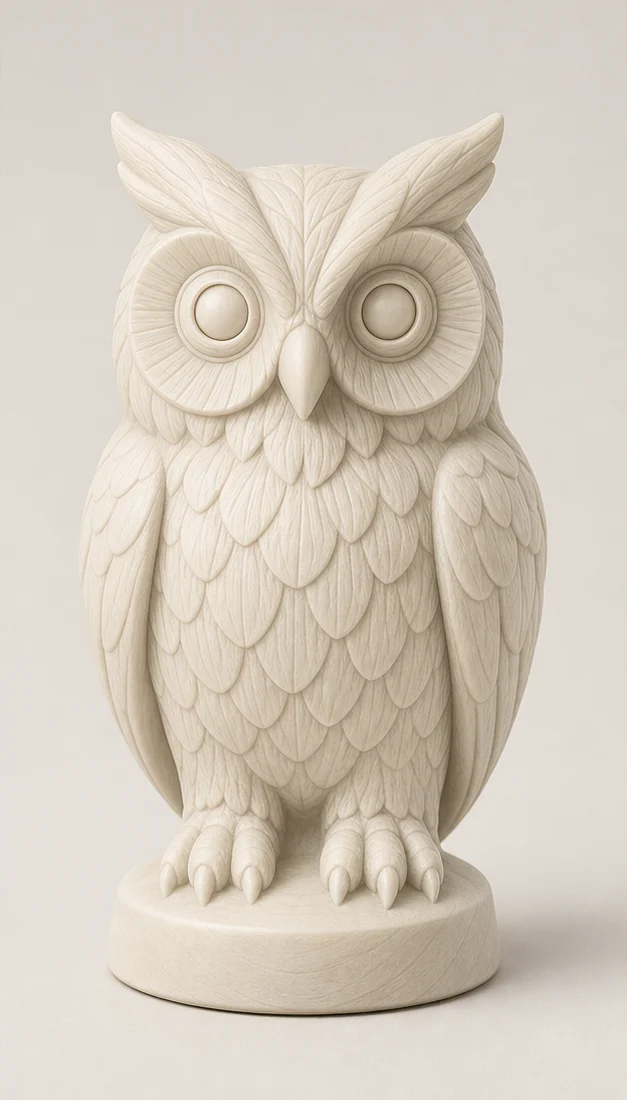
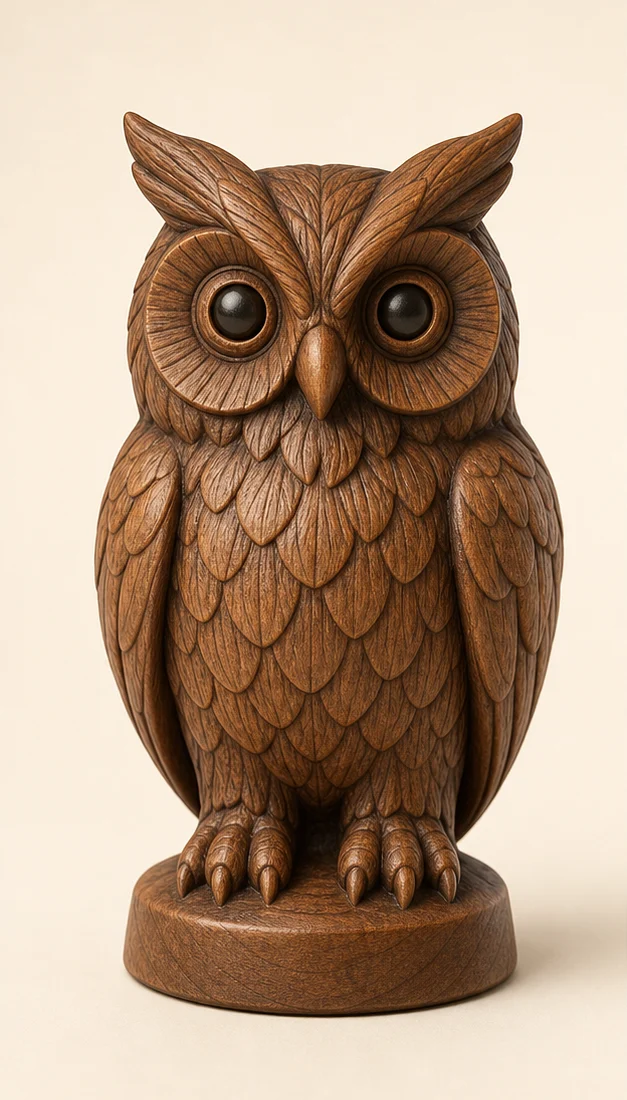
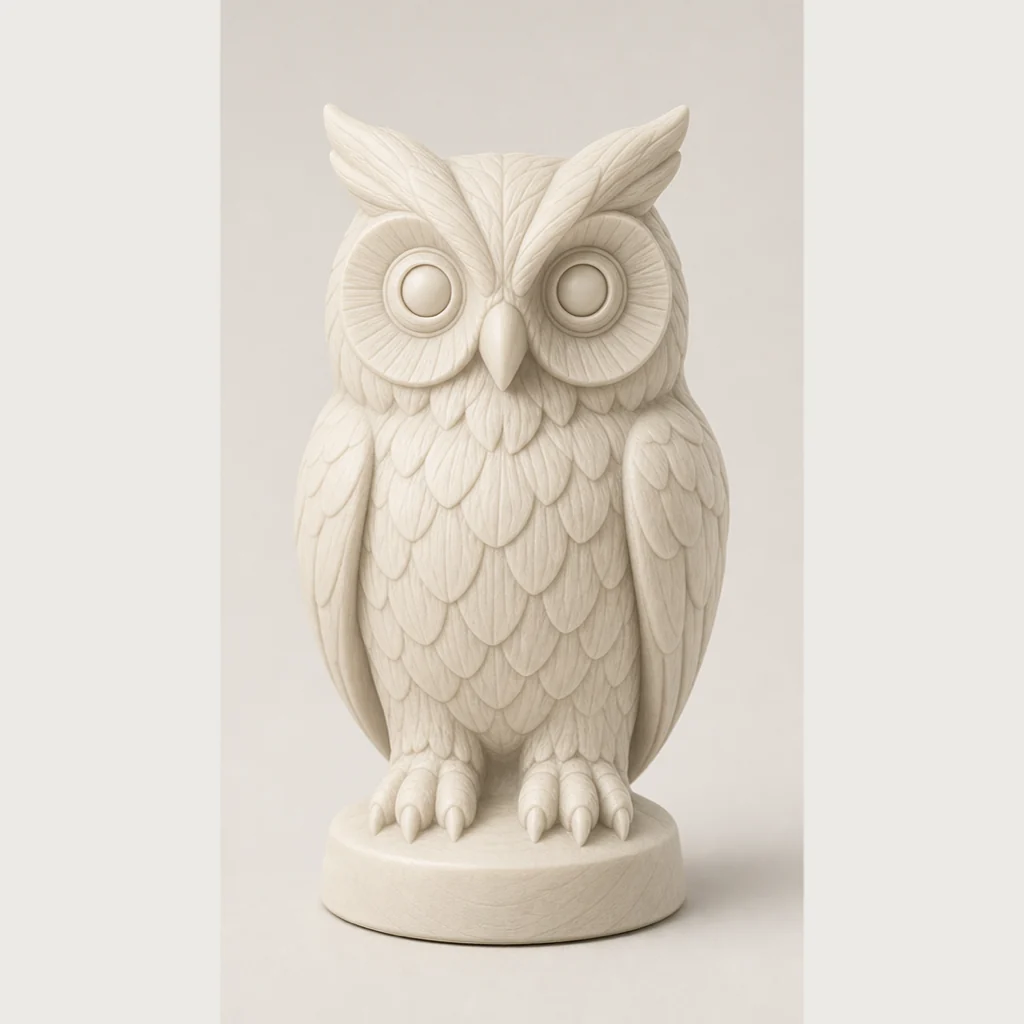
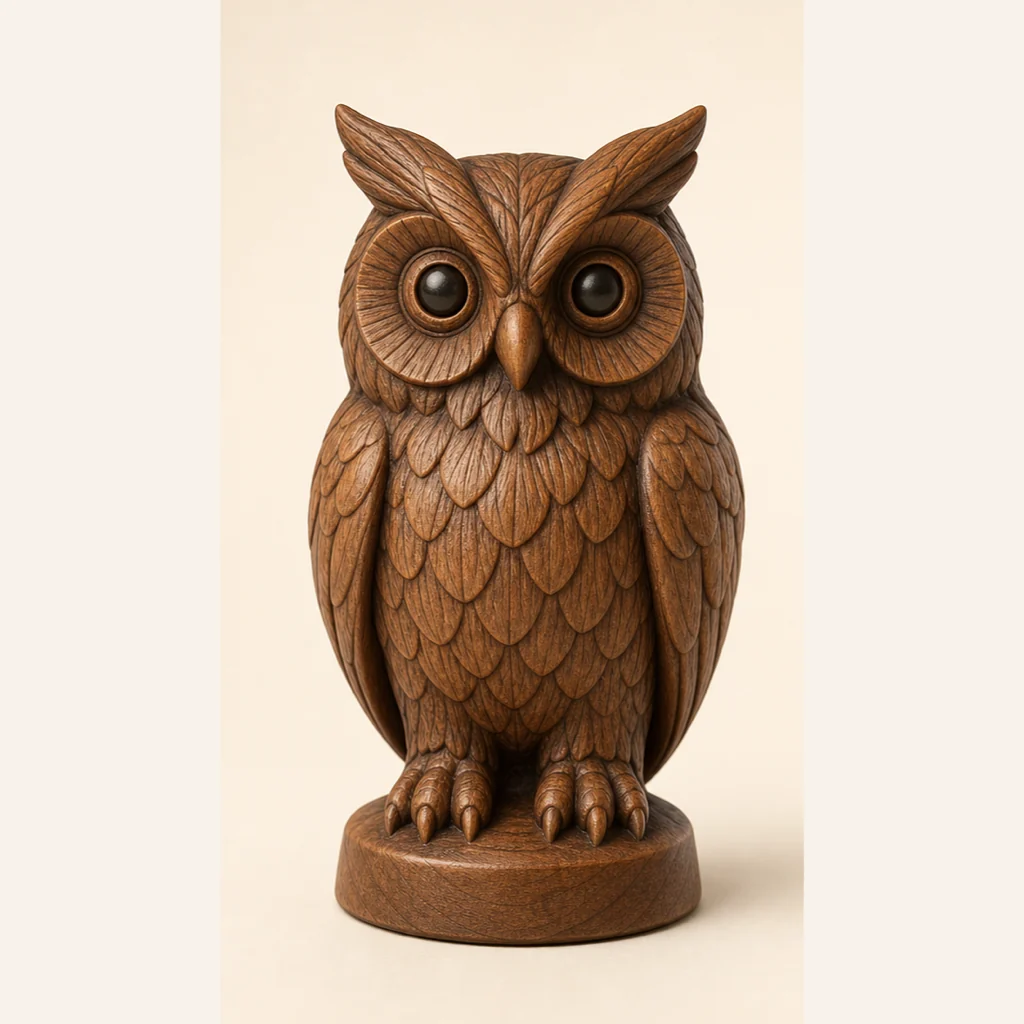 Good example
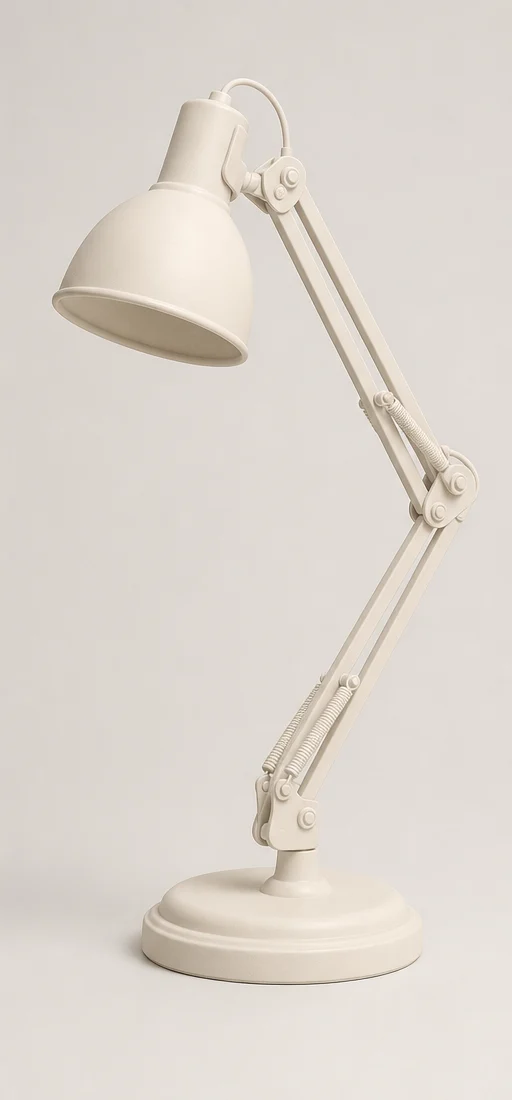
 Good example
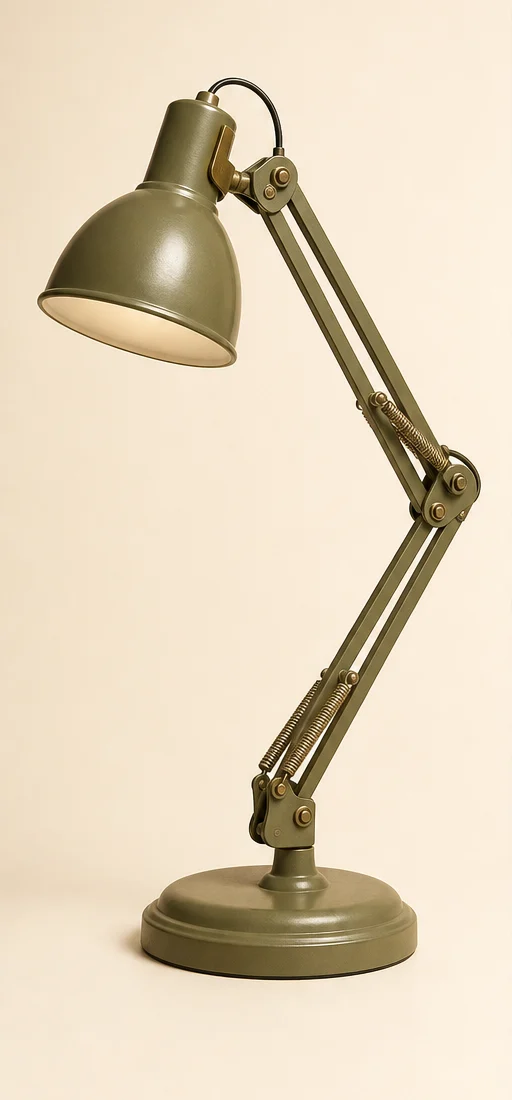
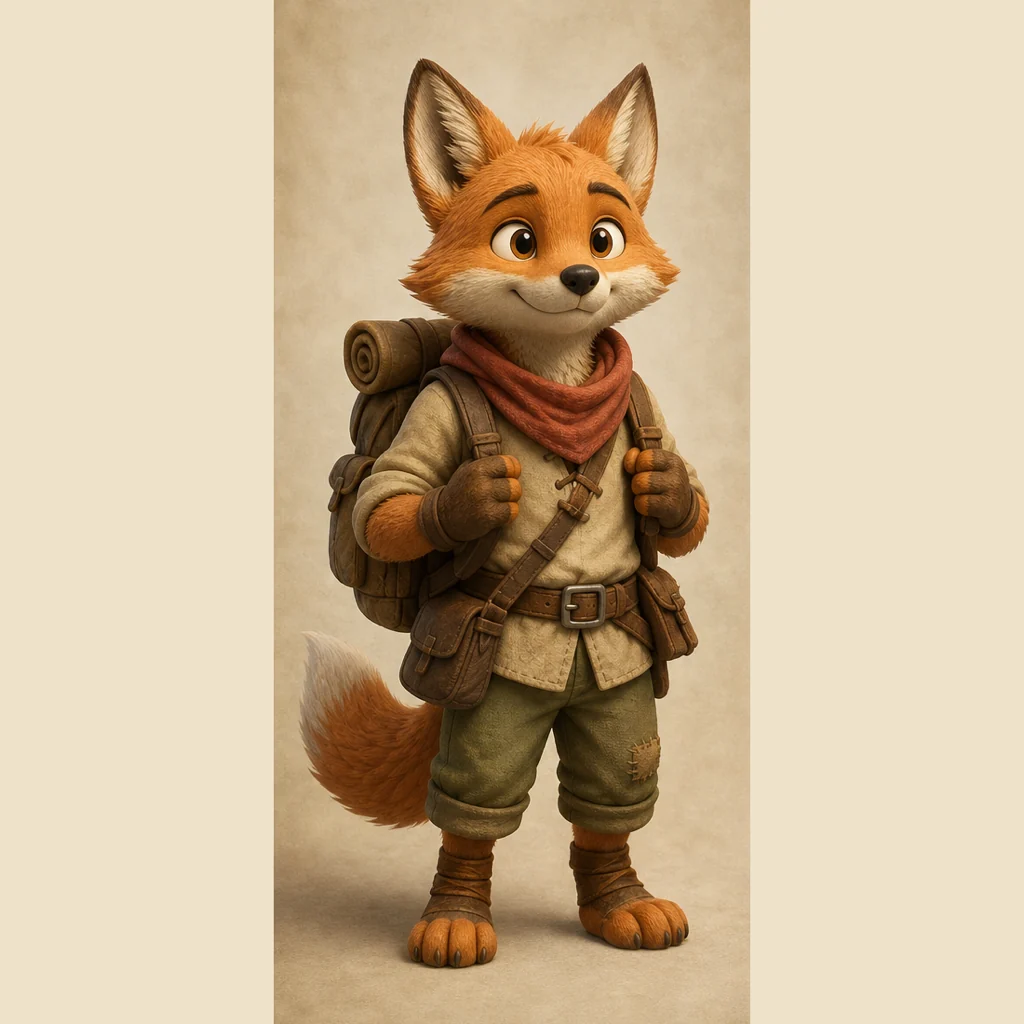 Good example
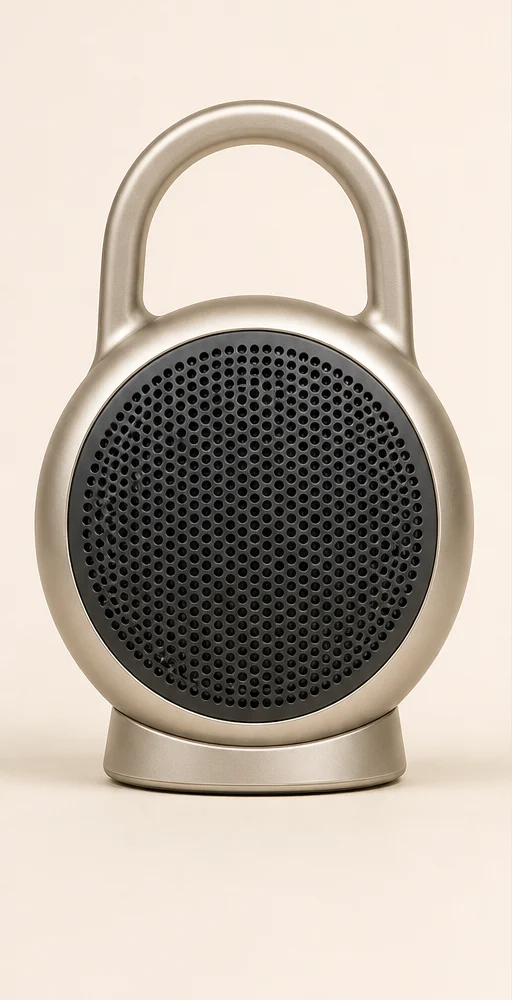
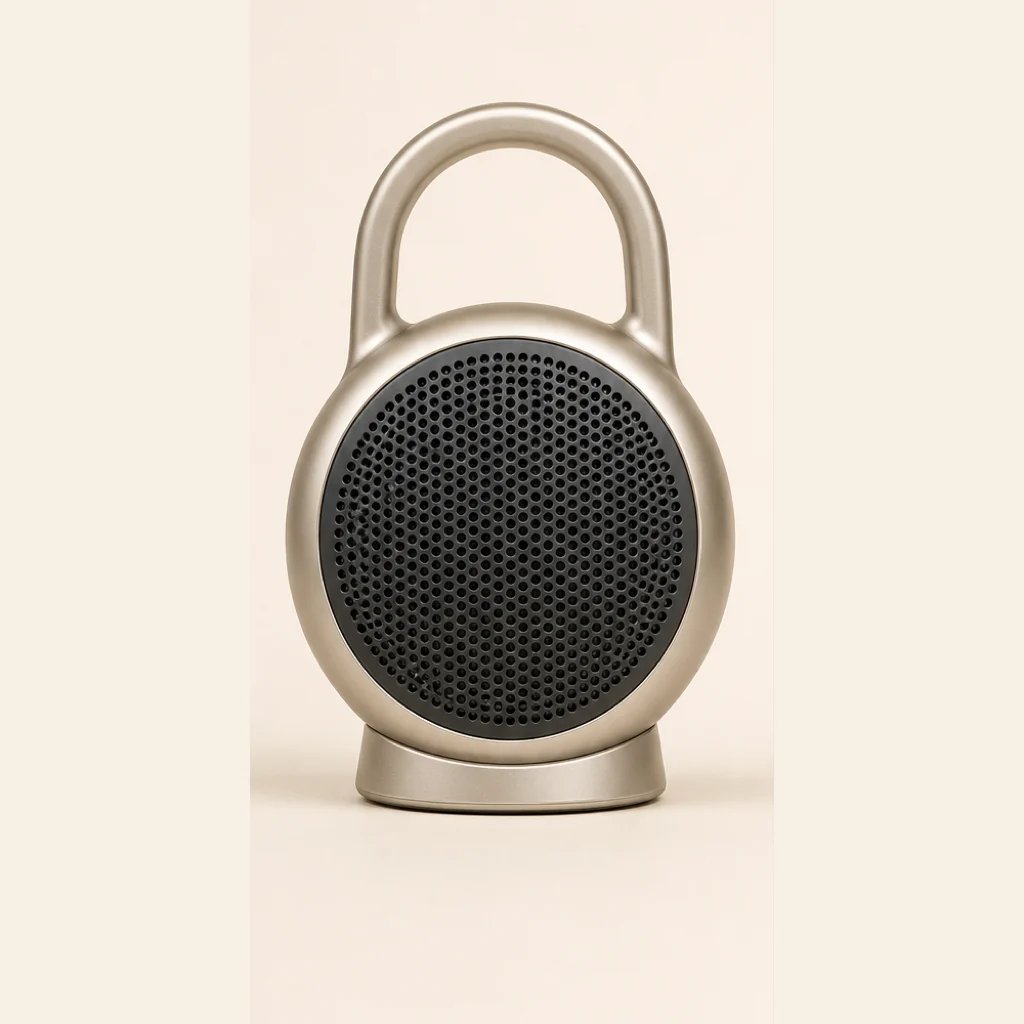 Bad example