How do I convert a PNG to STL for 3D printing?
Upload the PNG above, pick Standard or High detail and generate. The AI builds a full 3D model from it in a few minutes. Rotate it, set its height in millimeters, turn on Flat base and download the STL file. No 3D modeling, and nothing to install.
Can AI make STL files for 3D printing?
Yes. An
AI 3D generation model works out an object's shape from one or more images, including the back and sides the picture doesn't show, and returns a mesh. This page writes that mesh as a binary STL in millimeters, with a print check, so it opens straight in Bambu Studio, PrusaSlicer, Cura or OrcaSlicer. Solid objects come out best; thin wires and see-through parts are still hard for any AI.
Can you 3D print from a picture?
Not directly. A 3D printer needs a 3D file, so the picture has to become an STL first. Here a PNG or JPG turns into a full 3D model that you size and download; then you slice the STL and print it. For phone photos, the
JPG to STL page has tips on lighting and angles.
Is there a free PNG to STL converter with no sign-up?
Not here. Every model is made by a paid 3D AI service, so you need to sign in (creating an account is free), and each model uses credits: 15 for Standard, 25 for High detail.
Credit packs start at $5.99 for 75 credits and never expire, and failed generations are refunded. Free online PNG to STL converters do exist, but they extrude the outline or turn brightness into a heightmap, so you get a flat plate rather than a 3D model.
How do I turn a PNG logo into a 3D print?
A flat logo prints best as an extrusion. Trace the PNG into an SVG (Inkscape's Trace Bitmap does this), import the SVG into Tinkercad, Bambu Studio or PrusaSlicer and give it a height. That's a different job from this tool, which builds a rounded object. Use this PNG to STL converter when the logo is a mascot or character you want to hold, not a flat sign.
How do I turn a greyscale image into an STL file?
A grayscale PNG usually becomes a heightmap: lighter areas are raised and darker ones stay low, or the reverse for a lithophane. Cura can open a PNG directly as a heightmap, and lithophane generators work the same way. This tool doesn't read gray values as height; it builds a full 3D object, so use it for pictures of things, not depth maps. Our
guide to 3D models vs lithophanes explains the difference.
How do I convert an image to STL flat?
It depends on what you mean by flat. If you want the model to sit flat on the print bed, turn on Flat base before you download: the bottom is pressed flat, so it stands without supports underneath. If you want a flat plate with the picture on it, extrude the outline or make a heightmap, as in the two answers above. This tool doesn't make flat panels.
How do I prep a photo for conversion to STL?
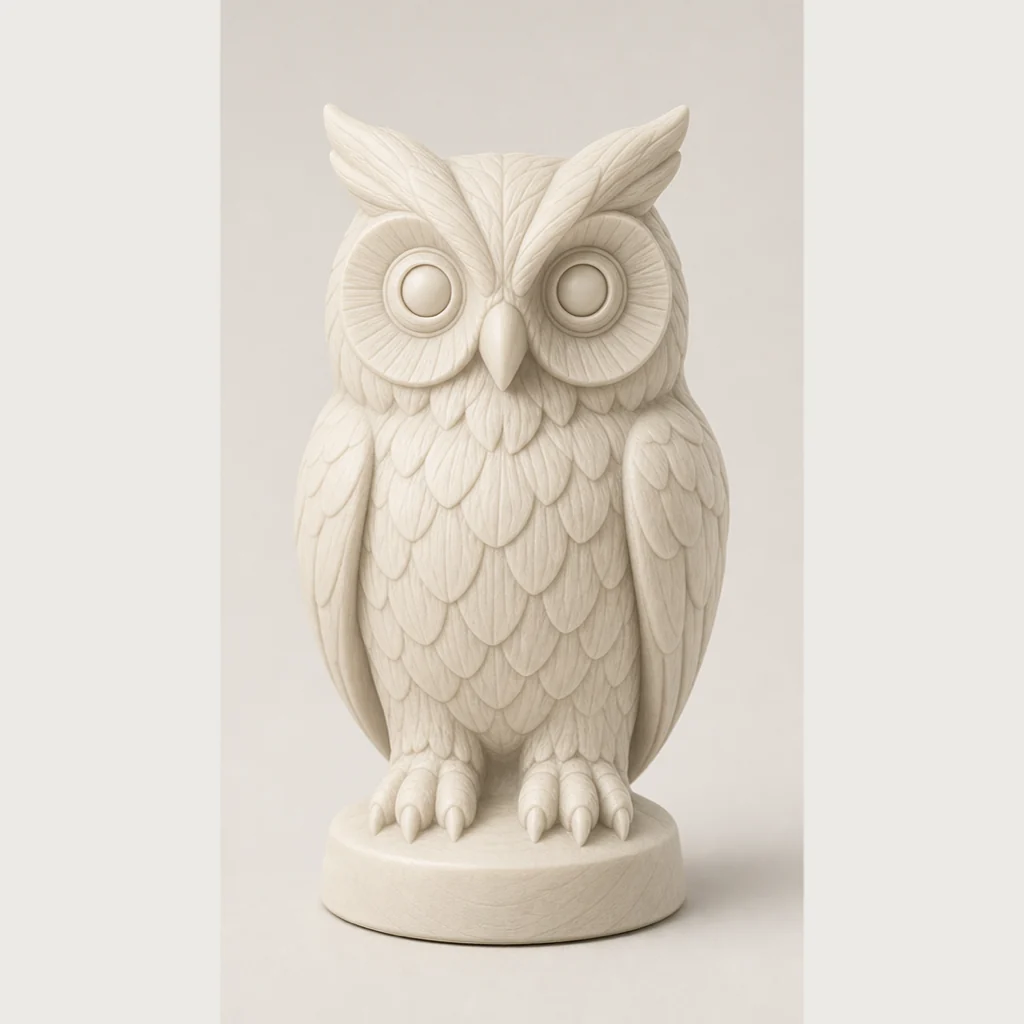
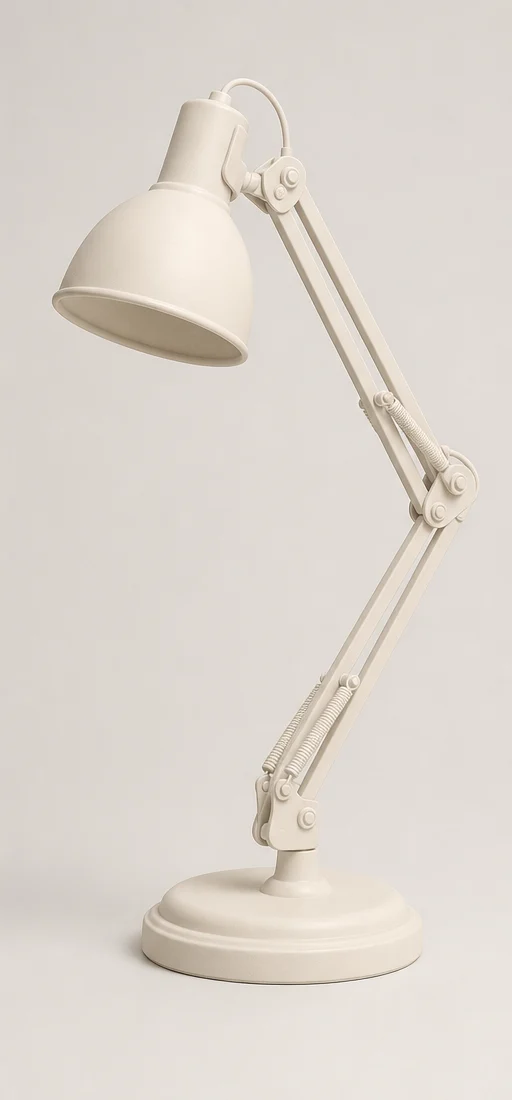
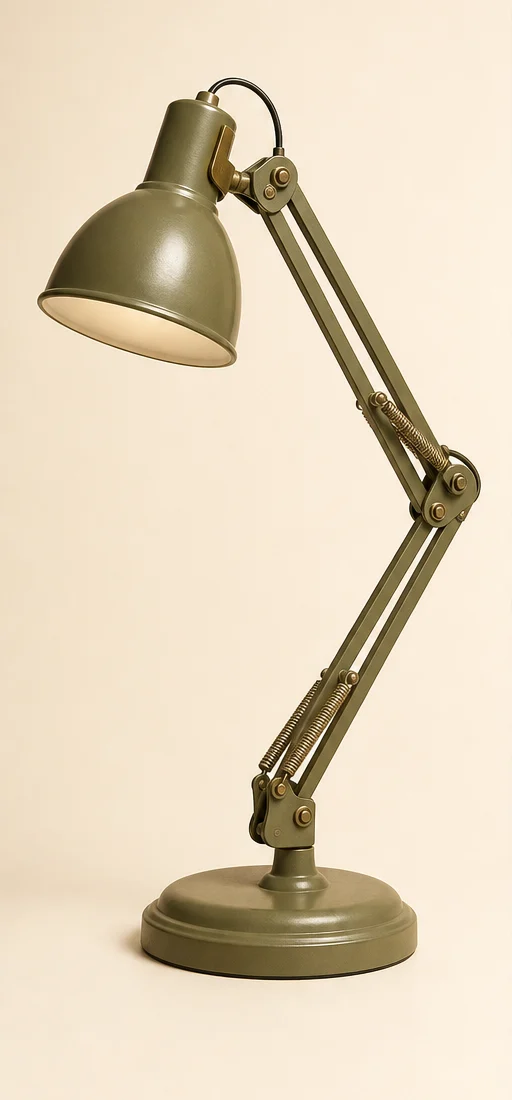
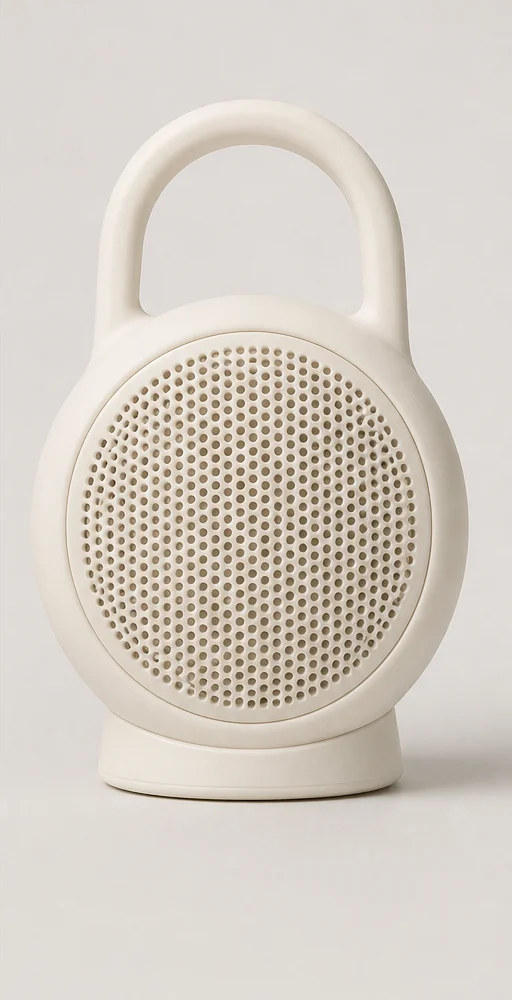
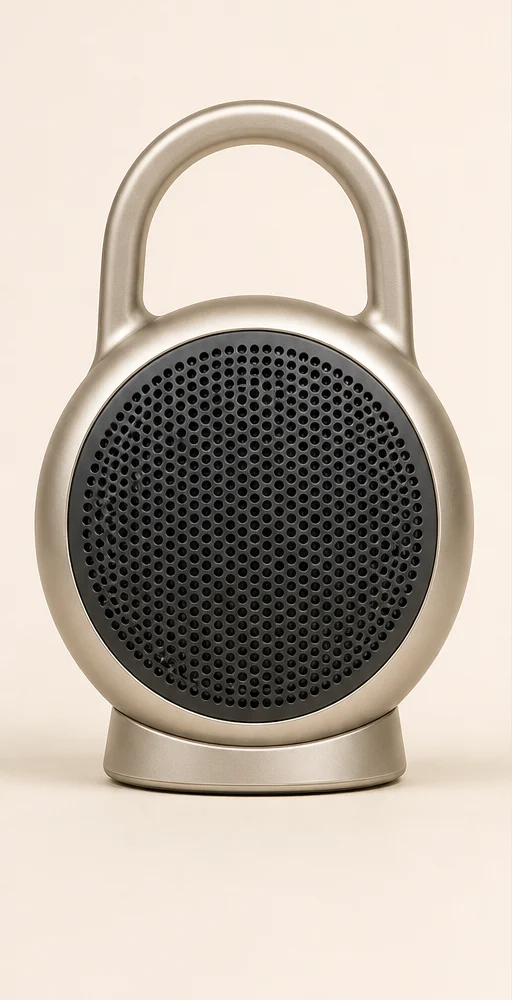
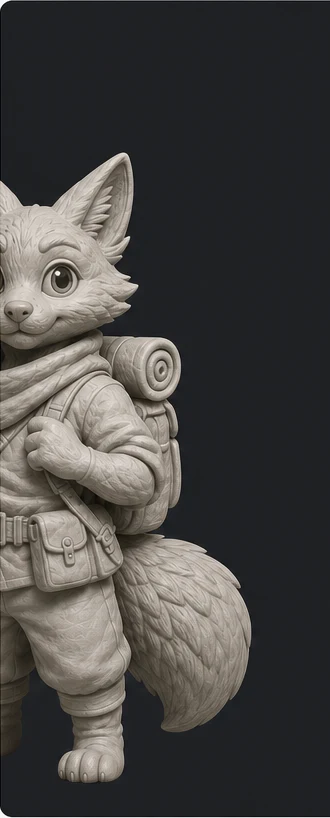
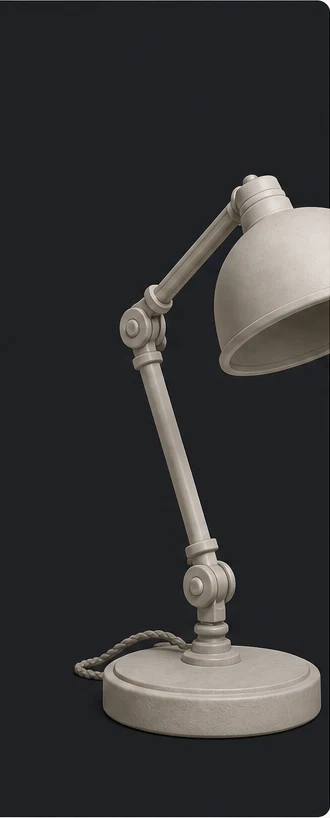
Use a cut-out PNG with a transparent background, or a photo on a plain wall or table. Keep the whole object in frame with a little space around it, and use at least 512 × 512 px. Soft, even light helps; glass, chrome and very thin parts don't. If you have a back or side view, upload it too: the model is closer to the real thing when the AI doesn't have to guess.
How do I prepare an STL file for 3D printing?
Check the size, the base and the mesh before you slice. Here you set the height in millimeters and turn on Flat base before downloading, and the print report shows whether the model is watertight and how many parts it has. In the slicer, put the flat side down, add supports under overhangs, and pick a layer height; 0.12–0.2 mm suits most figurines.
Is PNG to STL safe?
Yes. An STL file only holds geometry, so it can't run anything on your computer. Your images are screened for prohibited content, sent to our 3D generation provider (Fal.ai) to build the model, and not used for behavioral advertising. Uploaded images and finished models are deleted automatically after 7 days, and you can delete a model from My models sooner.

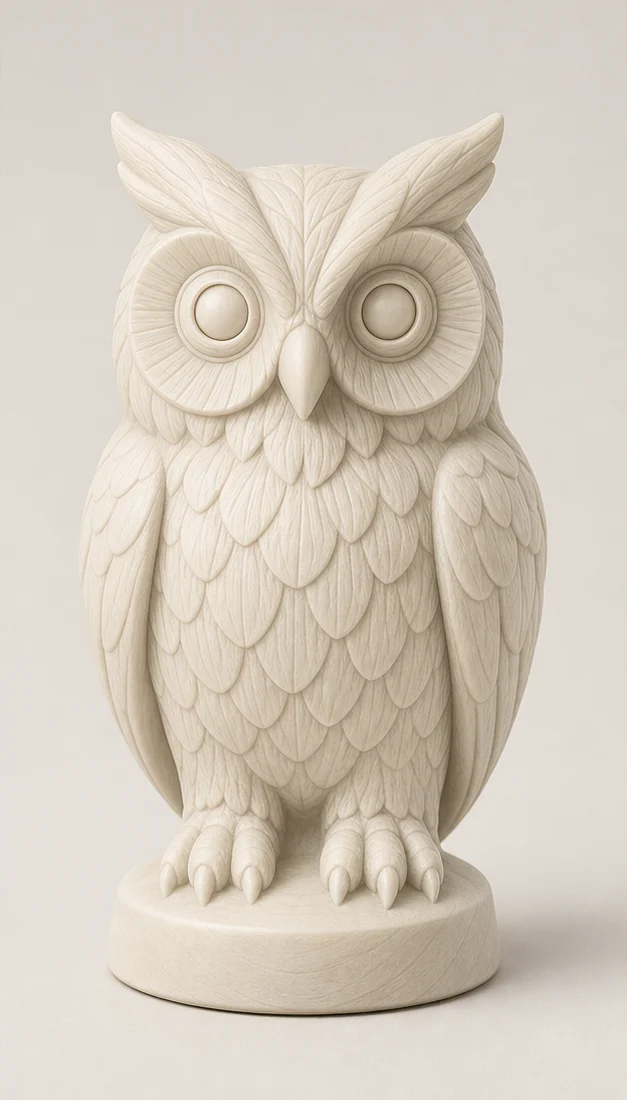
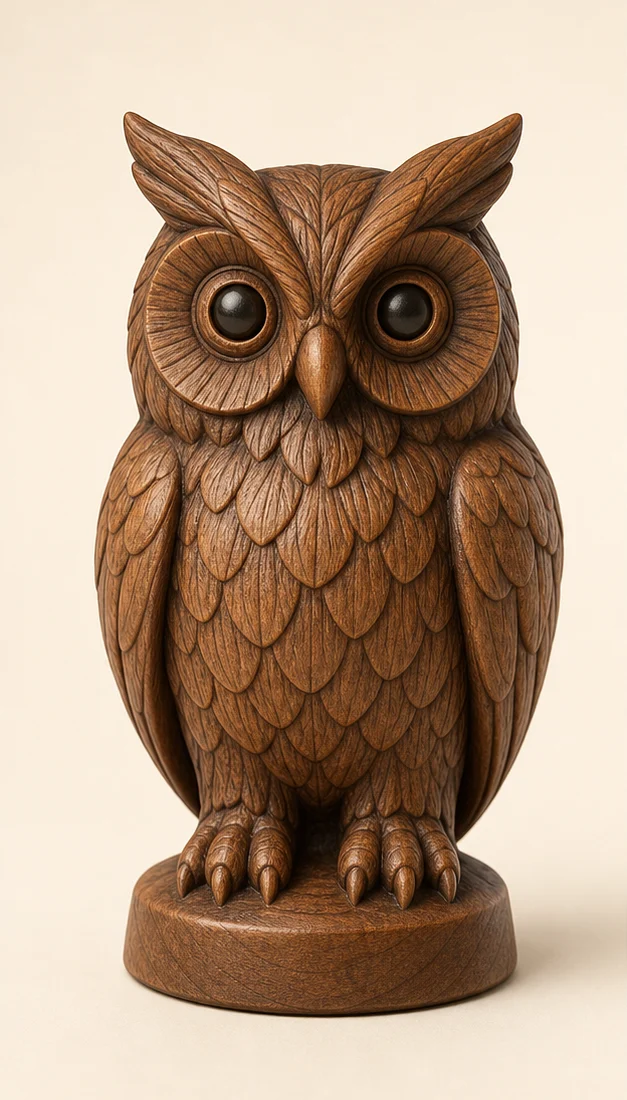
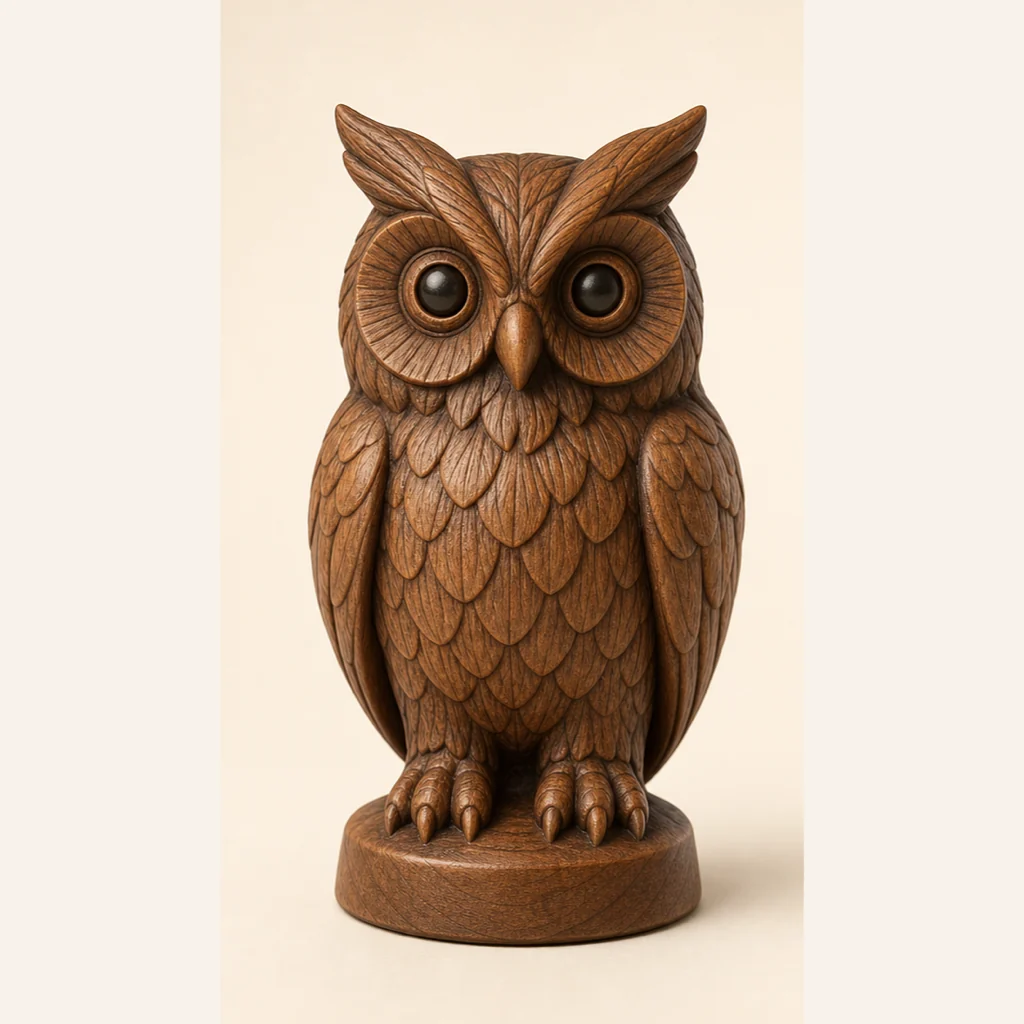 Good example
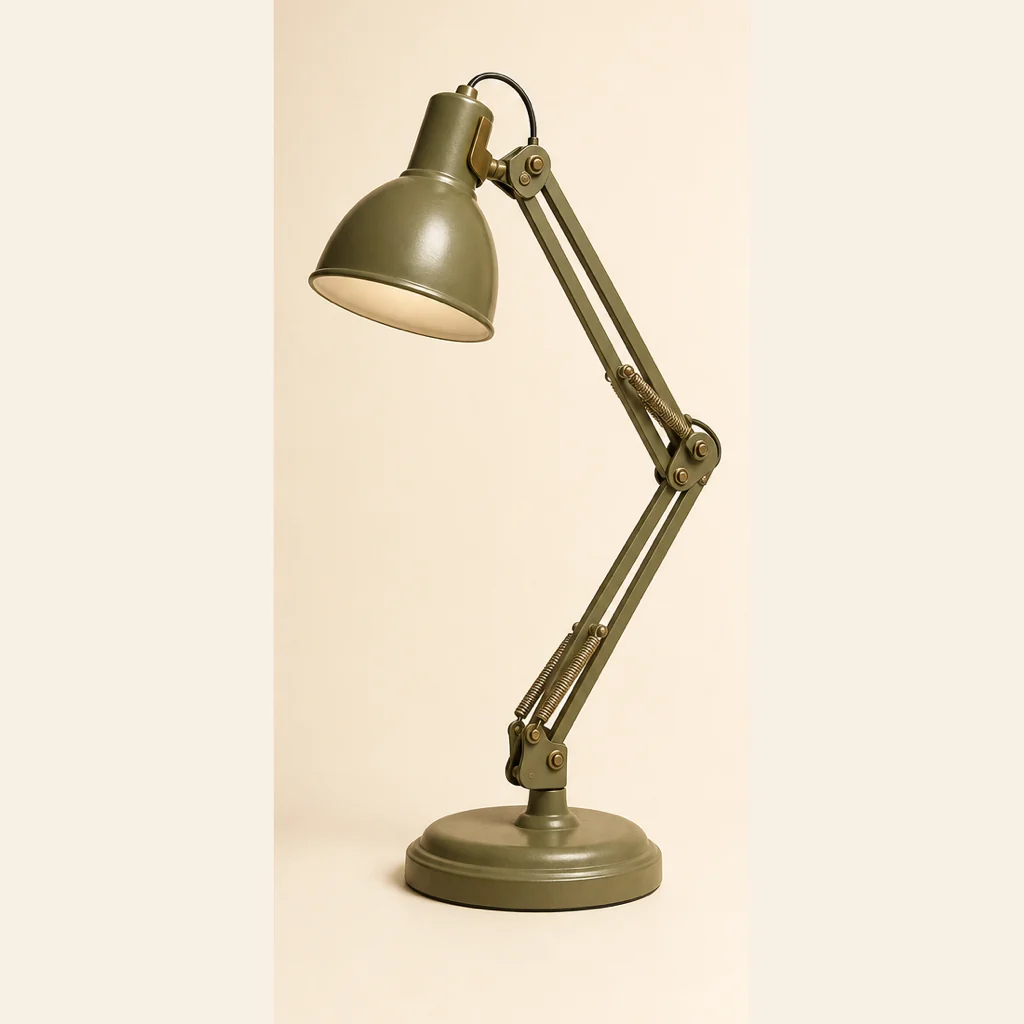 Good example
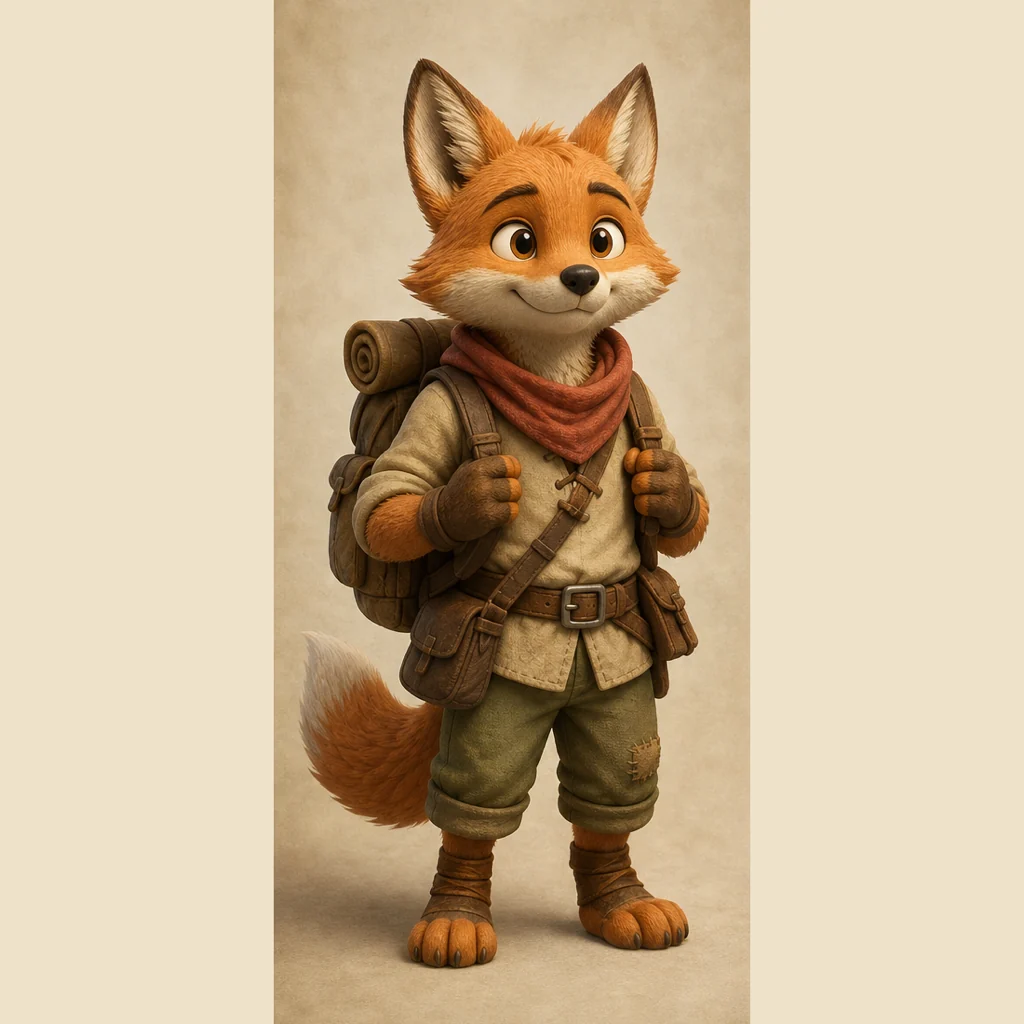 Good example
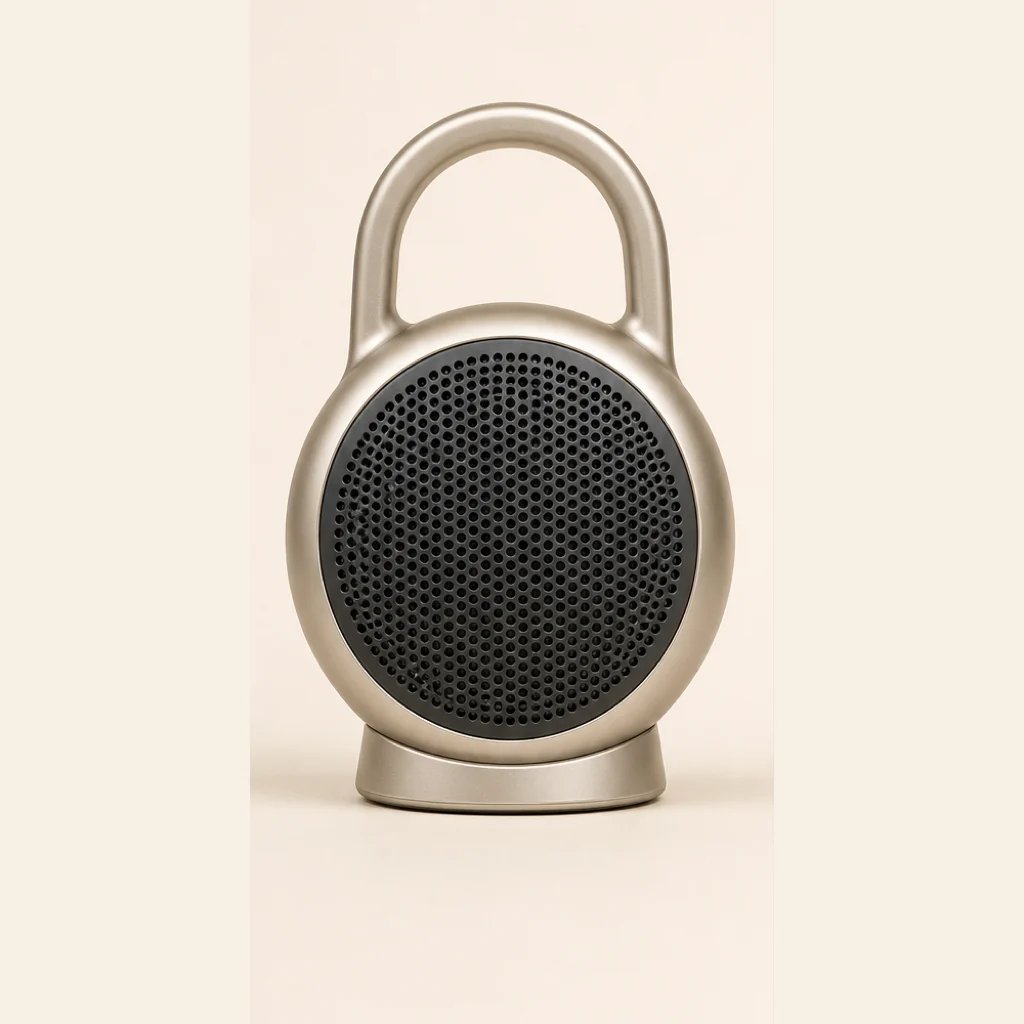 Bad example