JPG to STLTurn a JPG or JPEG photo into a printable 3D model.

An AI JPG to STL converter for phone photos. Take one to five pictures of the object and the AI builds the whole thing, back and sides included, ready to size and download as an STL file.

Example256 mm bed

Drag to rotate · scroll to zoom

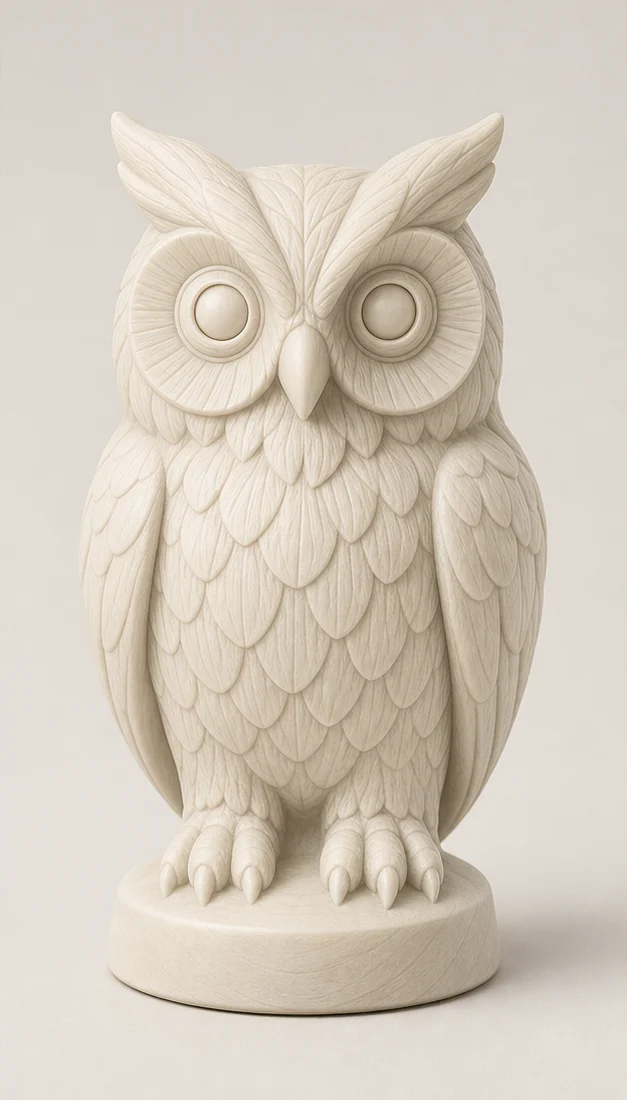
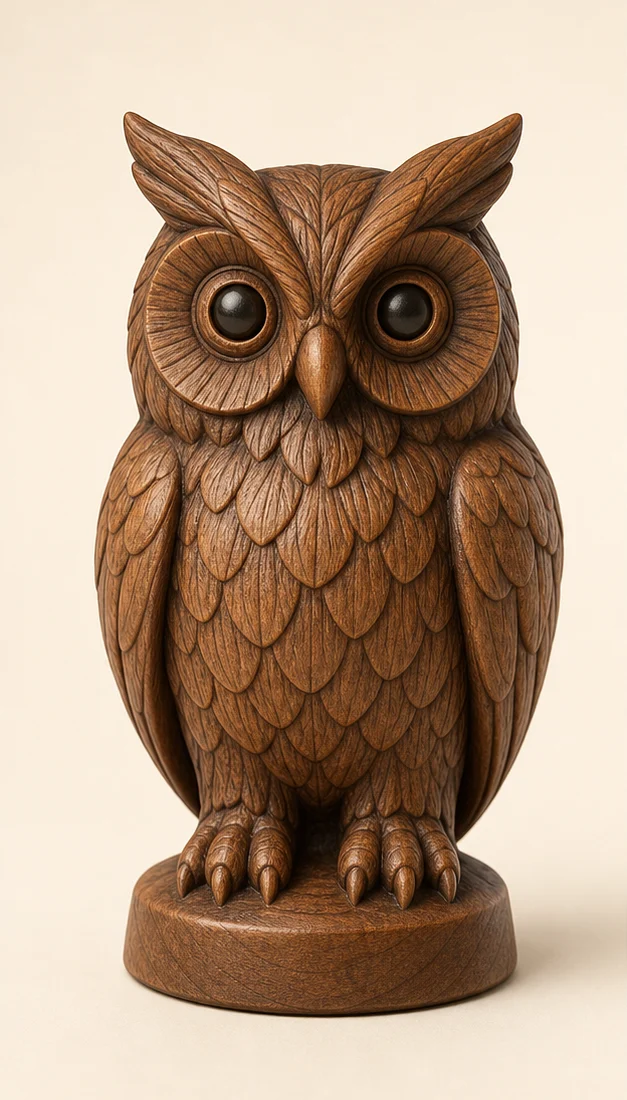
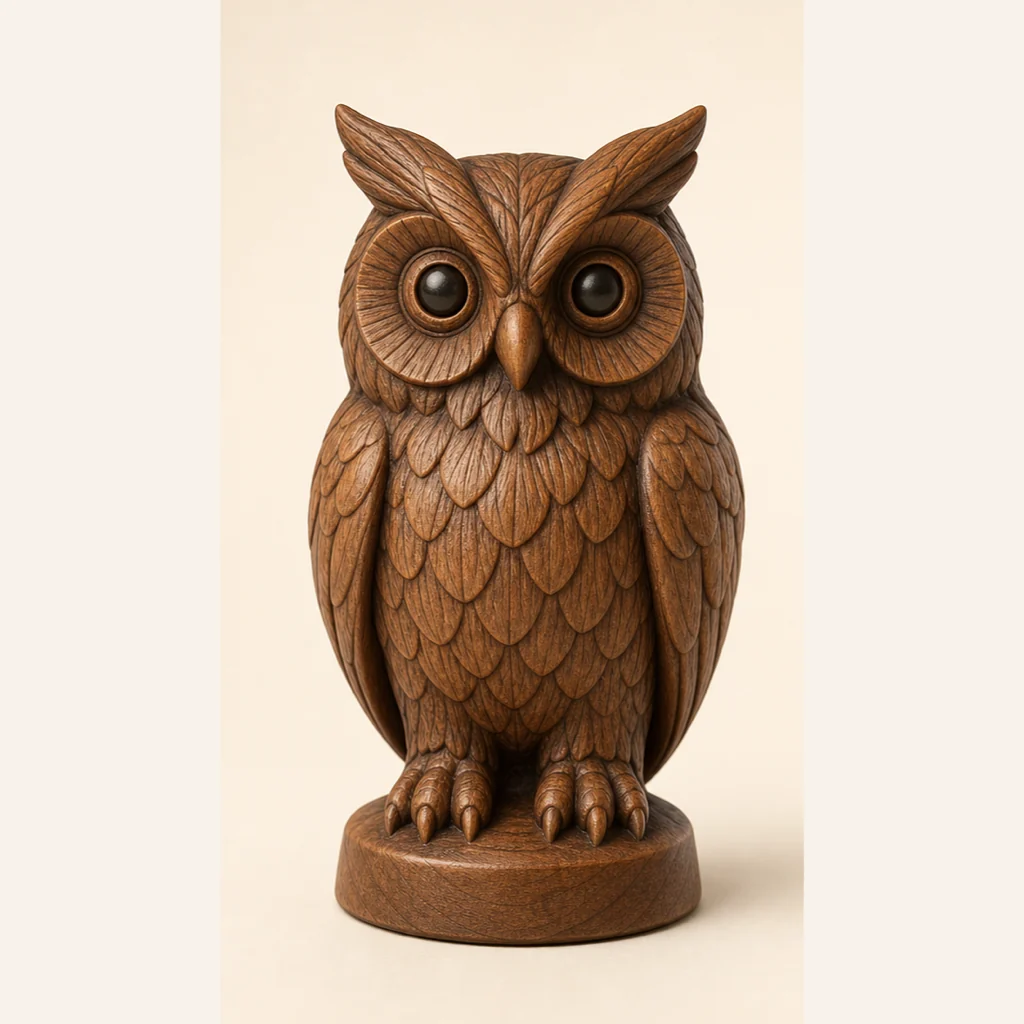
Made from this photo Owl figurine · Standard

01Photosup to 5

First photo = main view. Add the back and sides so the AI doesn't have to guess.

02Detail

JPG tips

Phone photos that convert well to STL

Most JPEGs come straight from a phone camera. A few habits make a big difference to the model you get back.
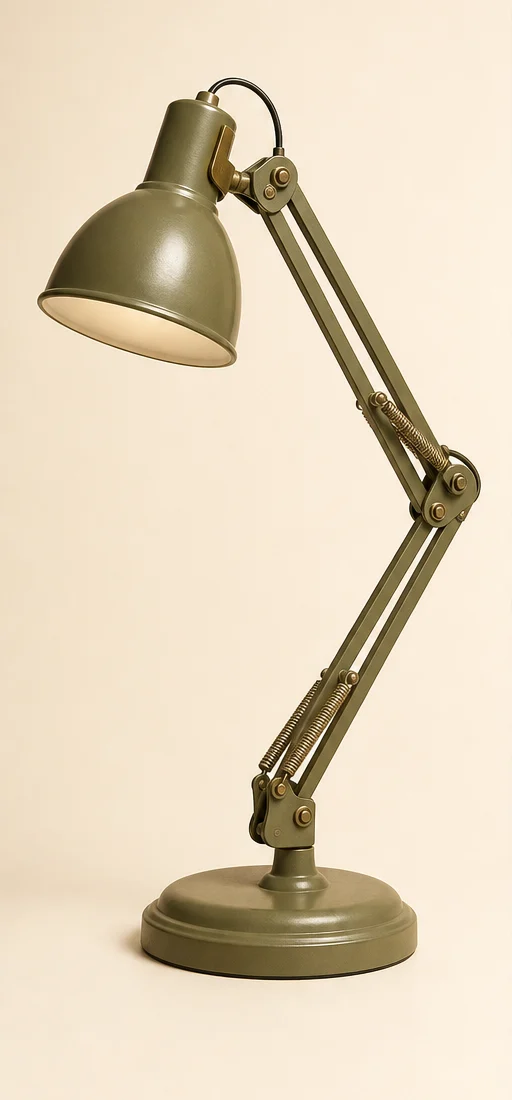
Good example

Plain background

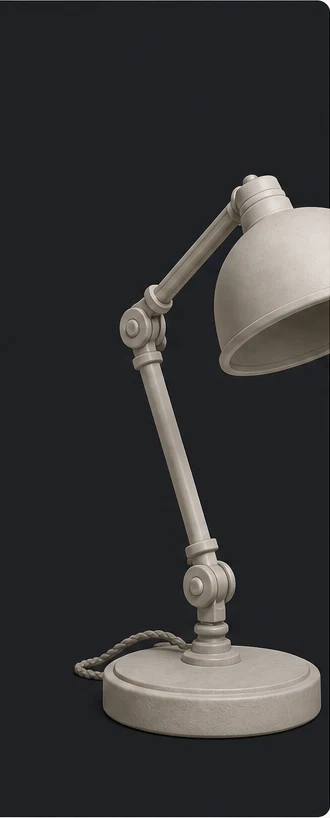
Put the object on a table against a wall or a sheet of paper, so only the object reads as shape.
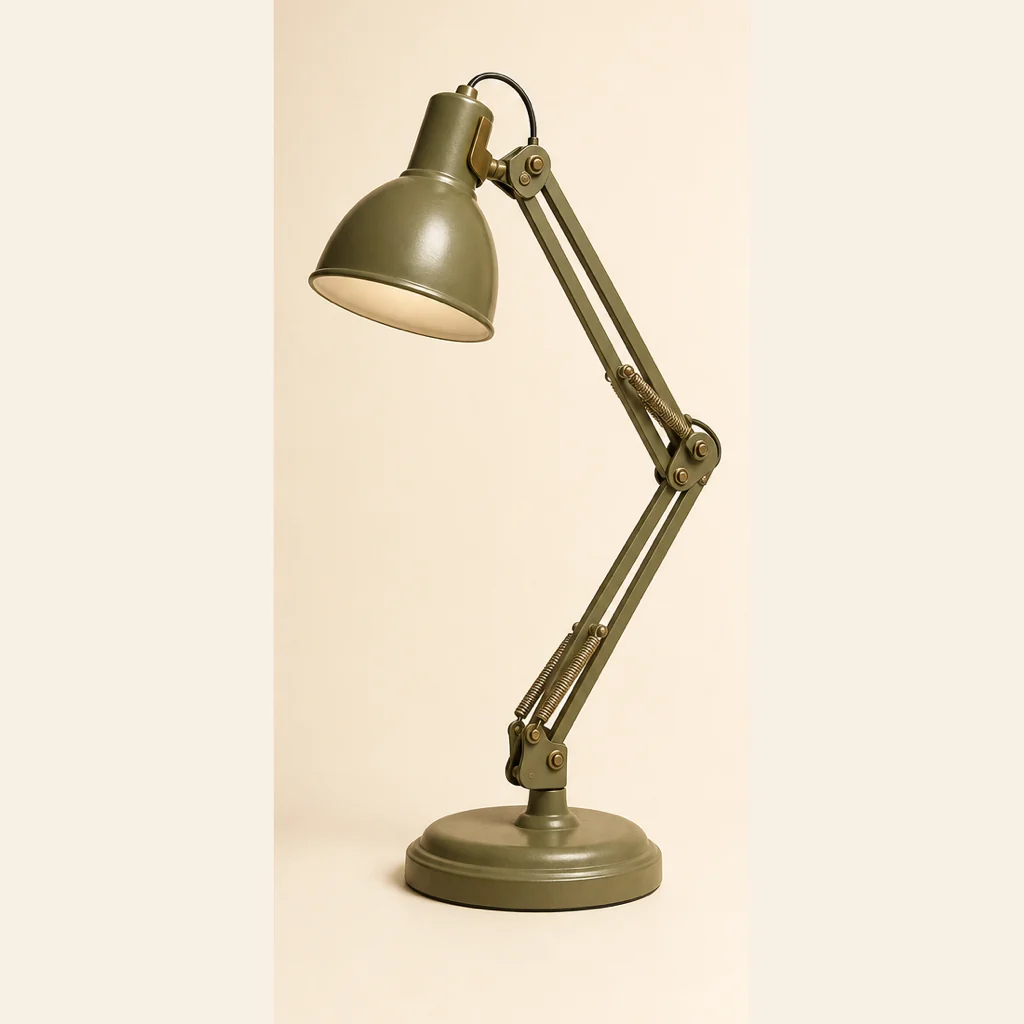
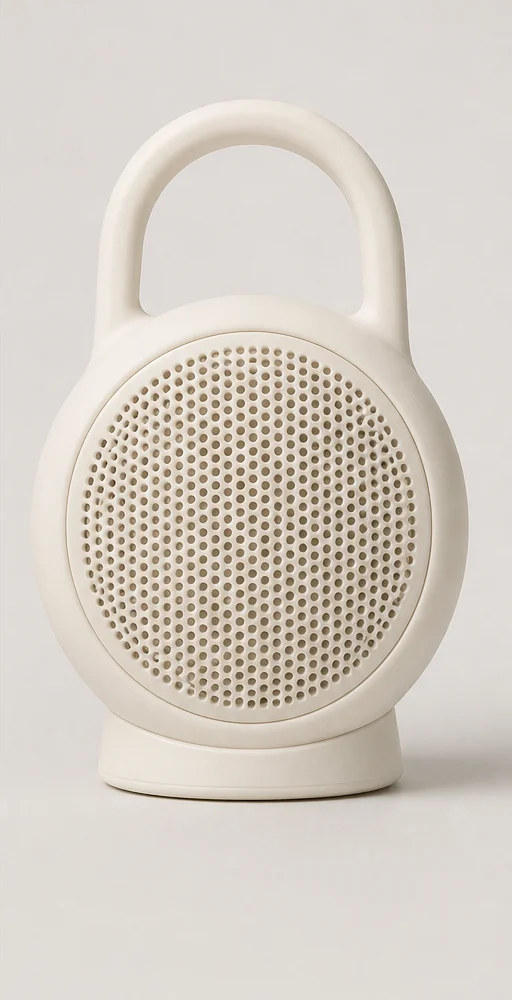
Good example

Fill the frame, don't crop

Get close, but keep a little space around the edges. Cut-off parts come out cut off.
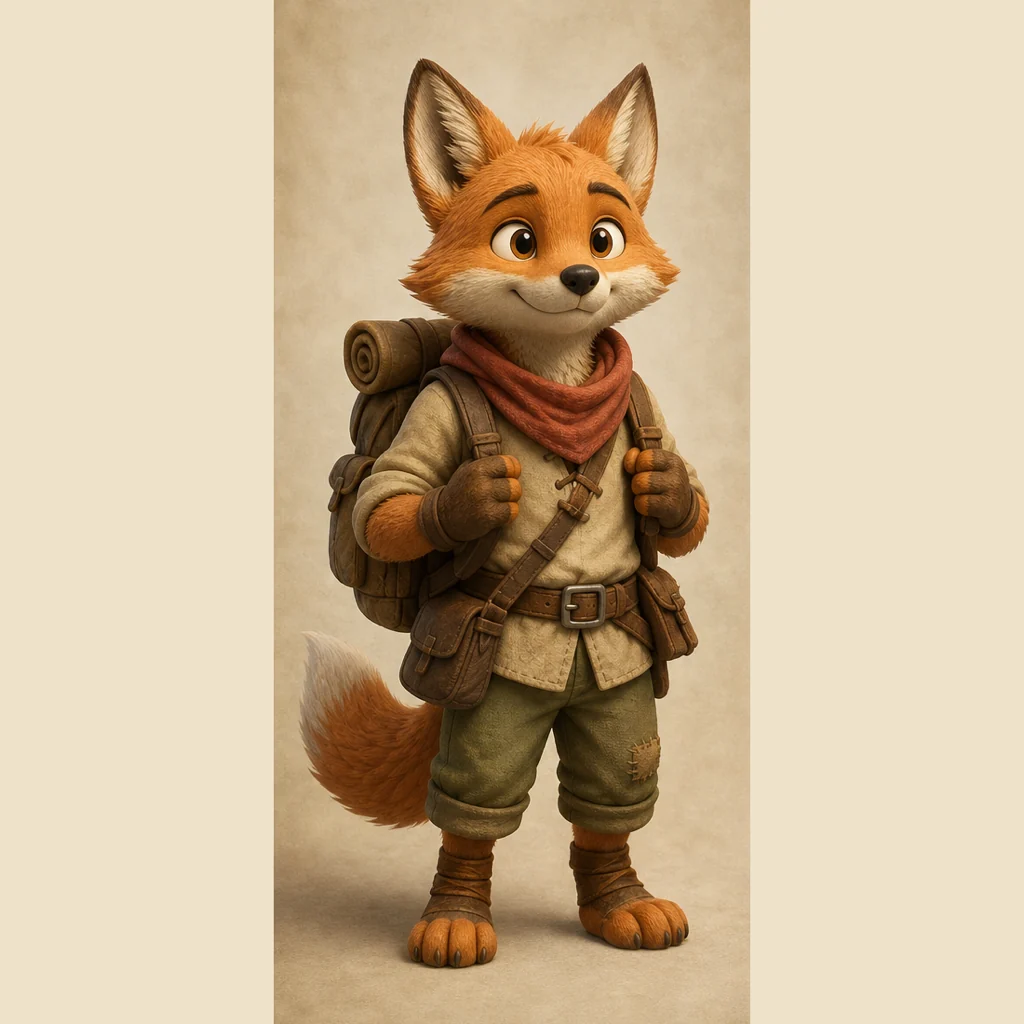
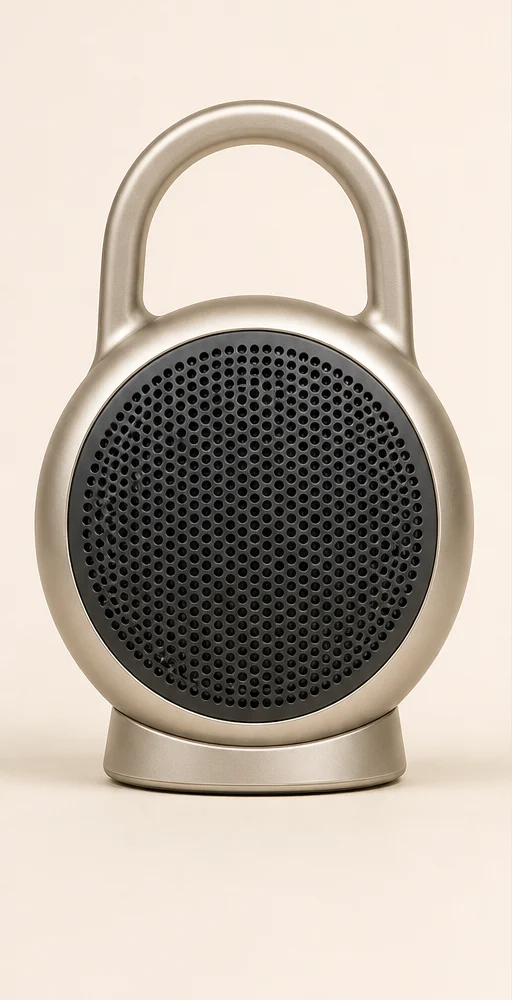
Good example

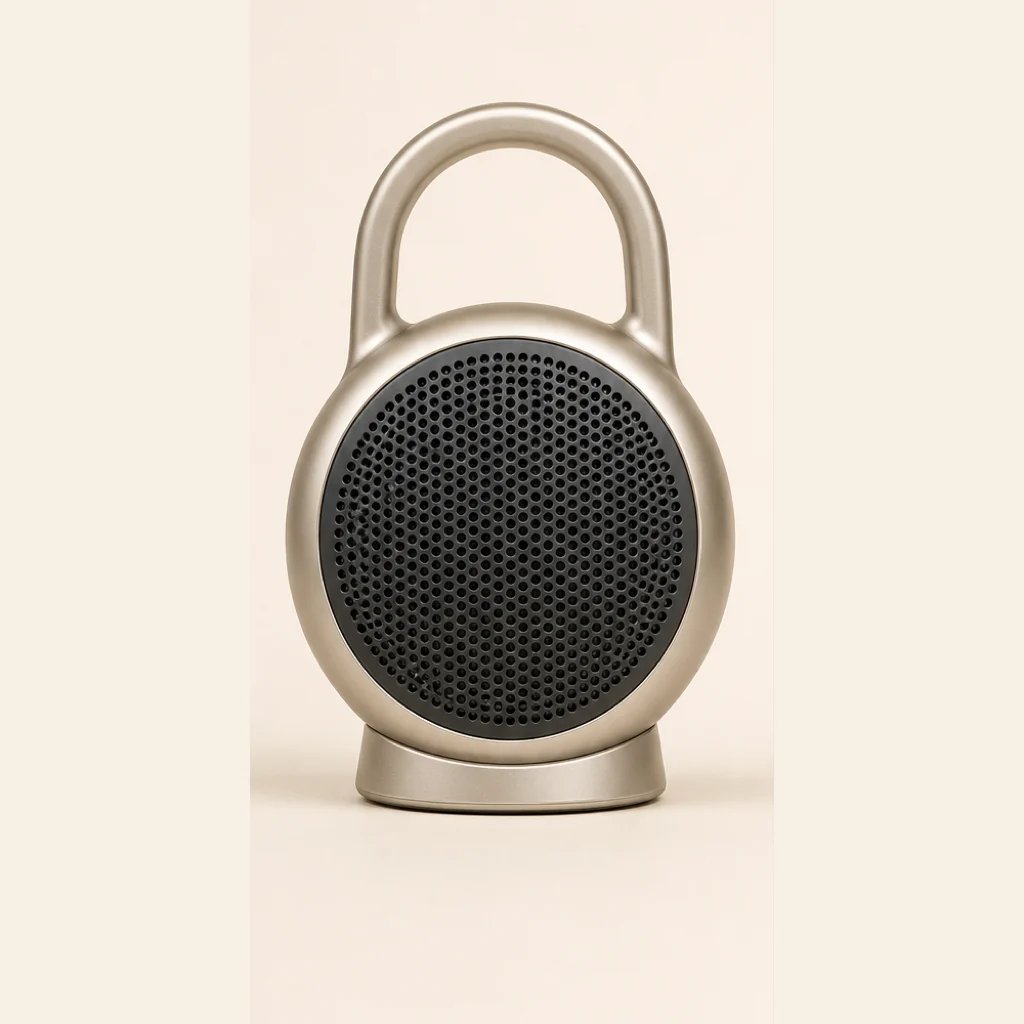
Daylight, no flash

Window light gives soft shadows. Flash and hard lamps add bright spots and dark edges.
Bad example

Blurry or tiny photos

Hold the phone steady and use the main camera. Screenshots and photos resent through chat apps lose detail, so upload the original JPEG.

Not an extrusion

Most JPG to STL converters make a flat plate

Free converters usually turn the JPEG into a heightmap or trace its outline, so you get a panel, not an object. This one builds a 3D model you can pick up. Here's the difference.
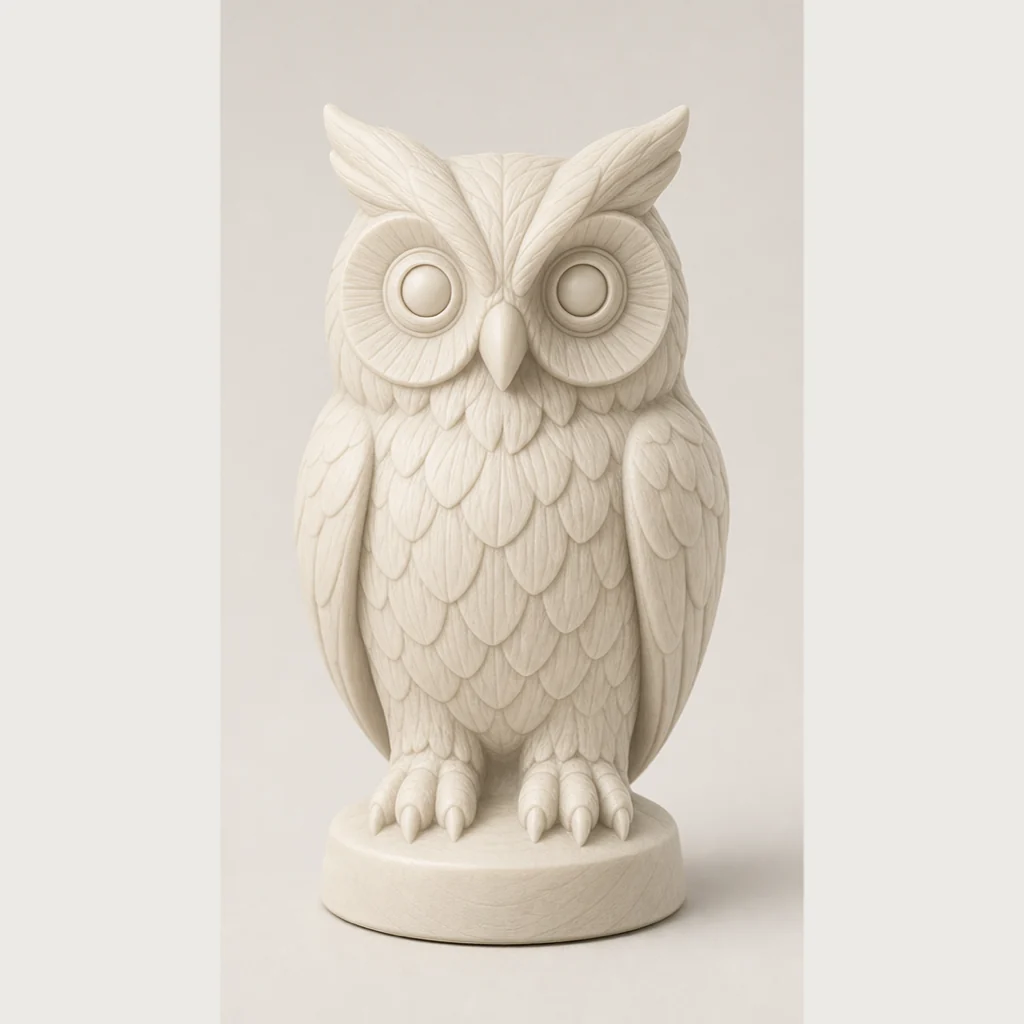
Extruded outline

What you get
The silhouette, raised to the same height everywhere
Back and sides
Flat and identical to the front
Good for
Logos, cookie cutters, stencils, keychains

Full 3D objectThis tool

What you get
A rounded, solid object with real depth
Back and sides
Built by AI — add more images to control them
Good for
Figurines, pets, toys, props, product models

Want a flat extrusion or a lithophane instead? Lithophane vs relief vs 3D model →

Examples

JPG to 3D model: real results

Each of these started as a photo. Drag across a card to compare it with the model it became.
How it works

JPG to STL in three steps

  1. 01

    Upload your photos

    One to five JPG or JPEG photos of the same object, up to 10 MB each: the front first, then the back and sides.

  2. 02

    Generate

    Pick Standard or High detail. Generation usually takes 2–4 minutes, and you can leave the page while it runs.

  3. 03

    Size it and download

    Set the height in millimeters, flatten the base, check the print report and download the STL file.

15 credits a model — $1.04–$1.20 with a credit pack, $0.60–$1.00 on a plan. Failed generations are refunded.See pricing

FAQ

JPG to STL questions

How do I convert a JPG to STL?
Upload the JPG above, front view first, then pick Standard or High detail and generate. A few minutes later you have a full 3D model you can rotate. Set its height in millimeters, turn on Flat base and download the STL. No 3D modeling software needed.
How do I change an image from JPG to STL, OBJ or SVG?
They are three different things. STL is a 3D file for printing, which is what this page makes. OBJ is also a 3D file: download the STL here, open it in Blender or Meshmixer (both free) and export it as OBJ. SVG is a flat vector outline, not 3D; to get one from a JPG, trace it in Inkscape (Path → Trace Bitmap) or Illustrator (Image Trace).
Is JPEG to STL the same as JPG to STL?
Yes. JPG and JPEG are the same image format with two spellings of the file extension, and both upload here.
Can I convert JPG to STL online free?
Not on this site. Each model runs on a paid 3D AI service, so generating needs an account (signing up is free) and uses credits: 15 for Standard, 25 for High detail. Credit packs start at $5.99 for 75 credits and never expire, and failed generations are refunded. Free JPG to STL converters online make a heightmap or a traced outline, which is fine for a sign but not for a figurine.
Can AI make STL files for 3D printing?
It can now. A 3D generation model looks at your photos, infers the full shape, including the parts the camera didn't see, and outputs a mesh. This page turns that mesh into a printable STL: scaled in millimeters, with an optional flat base and a print check for watertightness and separate parts. Results are best on solid objects such as figurines, pets, toys and household items.
Can you 3D print from a picture?
Yes, once the picture is an STL. A printer can't read a JPG, so you convert the JPG to a 3D printer file first. Upload the photo here, download the STL, open it in Bambu Studio, PrusaSlicer, Cura or OrcaSlicer and print. That's how to turn a picture into a 3D print without modeling anything.
How do I turn a logo into a 3D print?
Logos are usually flat, so the cleanest print is an extrusion rather than an AI model. Get the logo as an SVG (or trace the JPG in Inkscape), import it into Tinkercad, Bambu Studio or PrusaSlicer and give it a thickness of 2–5 mm. Upload it here only if the logo is a mascot or character you want as a figure.
Can you convert a BMP to STL online?
Not directly. This uploader takes JPG, PNG and WebP. Open the BMP in Paint, Preview or GIMP, save it as JPG or PNG, and upload that. iPhone HEIC photos need the same step: set Camera → Formats → Most Compatible, or export them as JPEG before uploading.
Is image to STL safe?
Yes. The STL you download is plain triangle geometry with no code in it. Before generation, your photos are screened for prohibited content and then sent to Fal.ai, our 3D generation provider. We don't use them for behavioral advertising. Photos and models are deleted automatically after 7 days, or sooner if you delete the model in My models.
How many photos should I take?
One JPG works. Two to five work better: the front first, then the back and the sides, all of the same object in the same light. Every extra angle leaves the AI less to guess.

Try JPG to STL with your own photo

1–5 photos in, a printable STL out.

Upload photos