Can you 3D print from a picture?
Not straight from the picture: a 3D printer needs a 3D file. Convert the picture into a 3D model first, which is what this page does, then slice the STL and print it. Any photo of a real object works, and so do
PNG cut-outs and renders.
How do I turn an image into a 3D print?
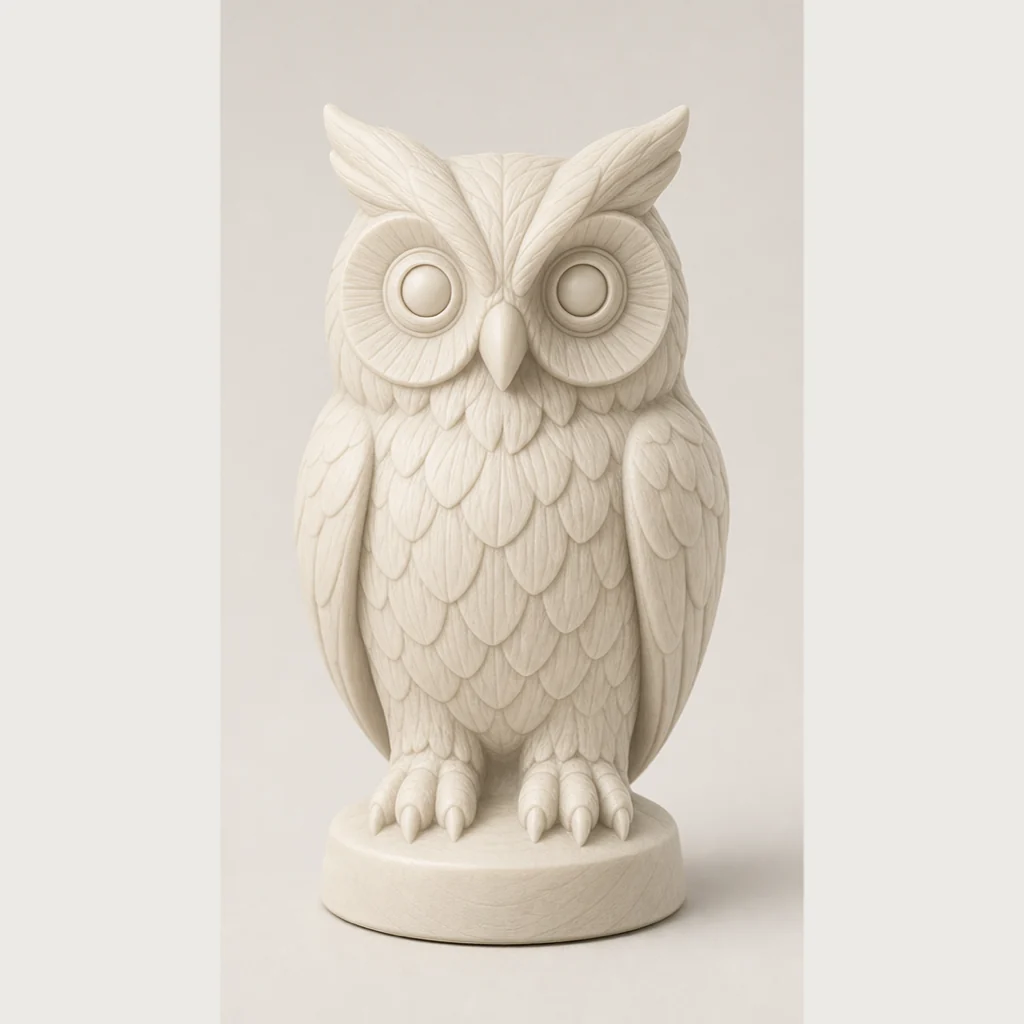
Upload one to five photos of the object, front first, and generate a model. Set the height in millimeters, anything from 10 to 500 mm, or pick a preset such as 32 mm for a game piece or 80 mm for a figurine. Keep Flat base on, check the print report and download the STL. Then open it in your slicer, add supports where it needs them, and print.
Can AI make STL files for 3D printing?
Yes, and that's what this AI 3D print generator does. It rebuilds the object as a 3D mesh from your photos, then writes it as an STL in millimeters, with a flat base option and a check for watertightness and separate parts. You still slice and print it yourself.
What is an STL file for 3D printing?
An STL is a 3D shape saved as thousands of small triangles. It has no color or texture, and no units built in; slicers read the numbers as millimeters, which is how this page writes them. The slicer then turns the STL into layers and the G-code your printer runs.
Do all 3D printers use STL files?
Practically all of them, through the slicer. Bambu Studio, PrusaSlicer, Cura, OrcaSlicer and Chitubox all open STL, so it works with FDM and resin printers alike. The printer itself runs the sliced file (G-code on FDM printers) that the slicer makes from the STL. 3MF and OBJ are common too, but STL is the format every slicer reads.
How do I turn a logo into a 3D print?
A logo prints best flat: trace it to an SVG, import that into your slicer or Tinkercad and extrude it a few millimeters. Image keychains and cookie cutters are made the same way, as an outline raised to one height with a hole or a cutting edge added. This page makes rounded 3D objects instead, so use it when the logo is a character you want on a shelf.
Is there a way to convert an image into wall art for 3D printing?
Yes, but it's a flat print, which this tool doesn't make. A relief raises the picture off a plate. A lithophane is a thin panel that shows the photo when light shines through it. Multicolor tools such as HueForge stack filament colors layer by layer to paint the picture. Our
guide to 3D models vs lithophanes explains which one to use.
Can you print images on the top layer of a 3D print?
Only with more than one filament. On a multi-material printer you can paint colors onto a model in Bambu Studio or OrcaSlicer, or emboss an SVG into the top surface and print it in a second color. Models from this page are single-color STL files, so any multicolor work happens in the slicer.
Is there a free image to 3D print tool online with no signup?
Not here. Each model is generated by a paid 3D AI service, so you sign in (the account itself is free) and spend credits: 15 for Standard, 25 for High detail.
Credit packs start at $5.99 for 75 credits and never expire, and failed generations are refunded. Free online tools exist for lithophanes and flat reliefs.
How do I make an image ready for 3D printing?
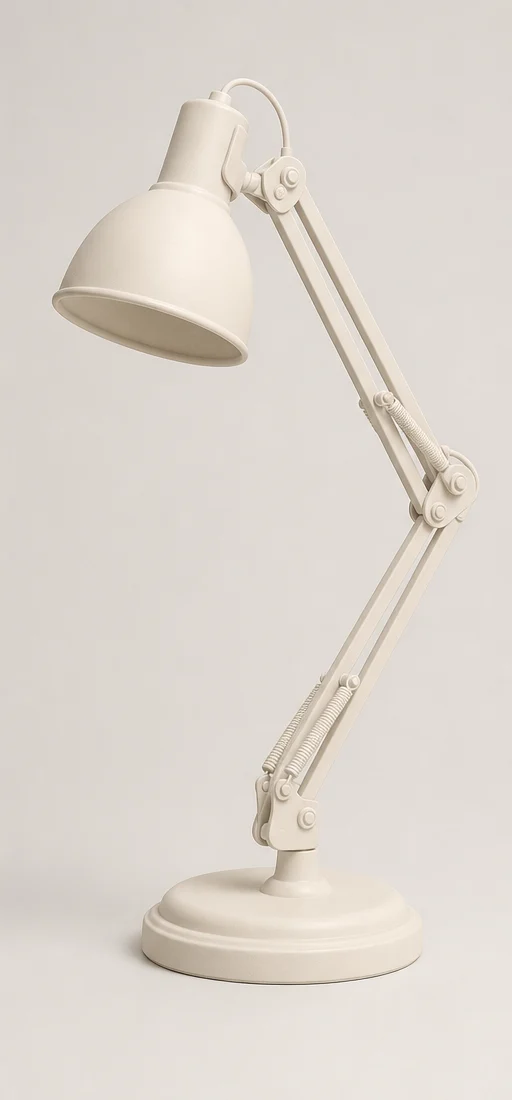
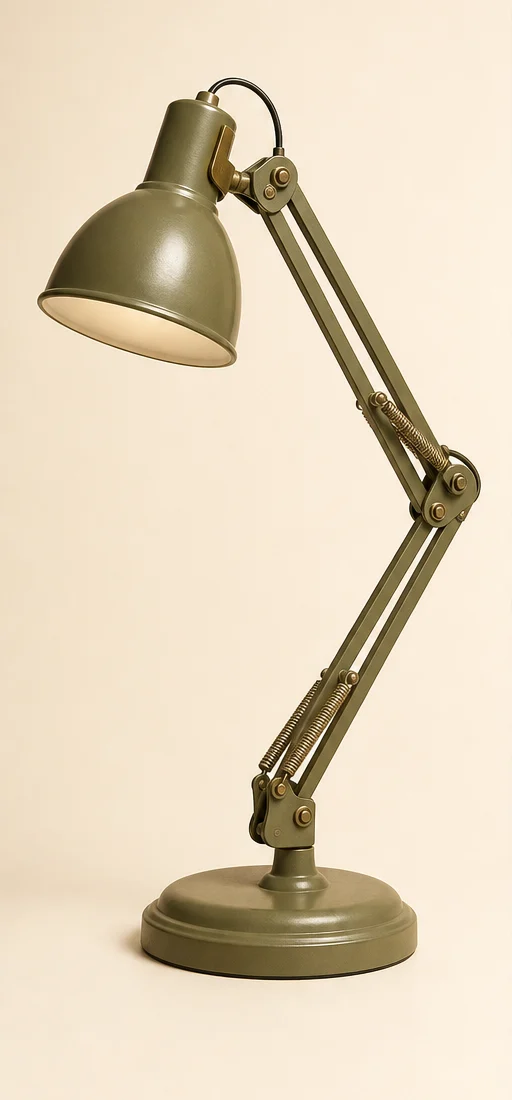
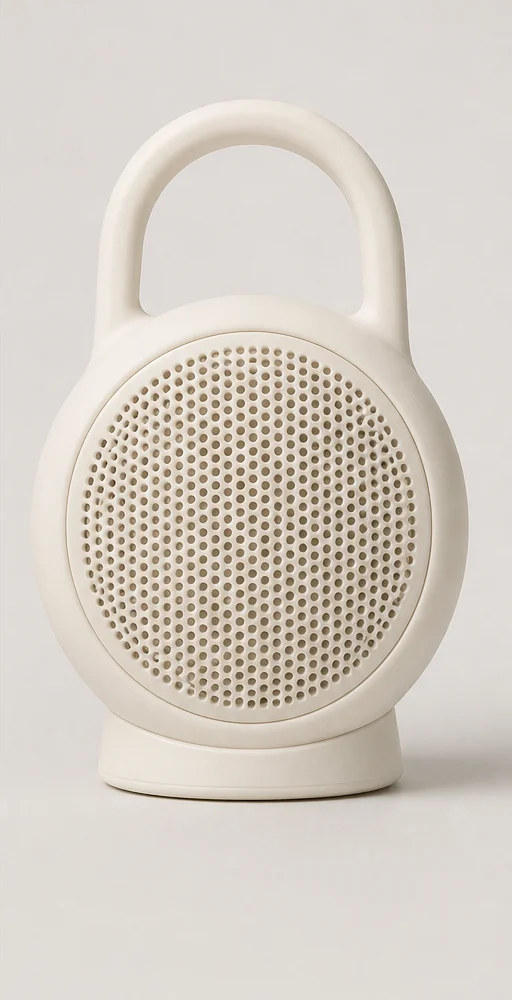
Start with the photo: the object alone on a plain background, fully in frame, in soft light. After generating, set the print height, keep Flat base on so it stands on the bed, and check the print report for watertightness and separate parts. If the model has two parts, print them separately and glue them together.

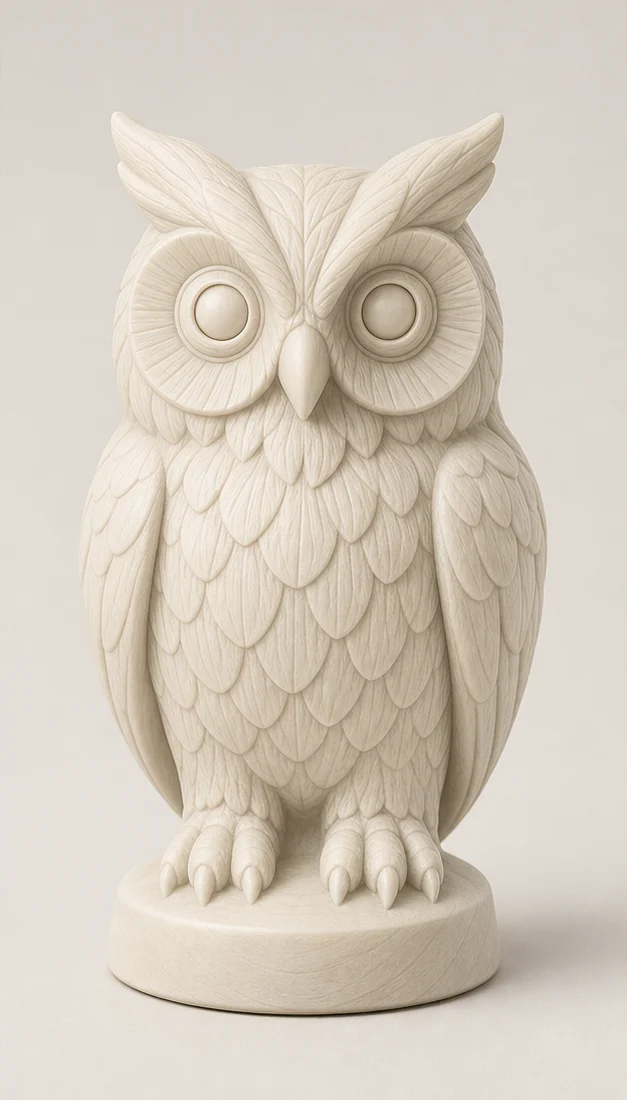
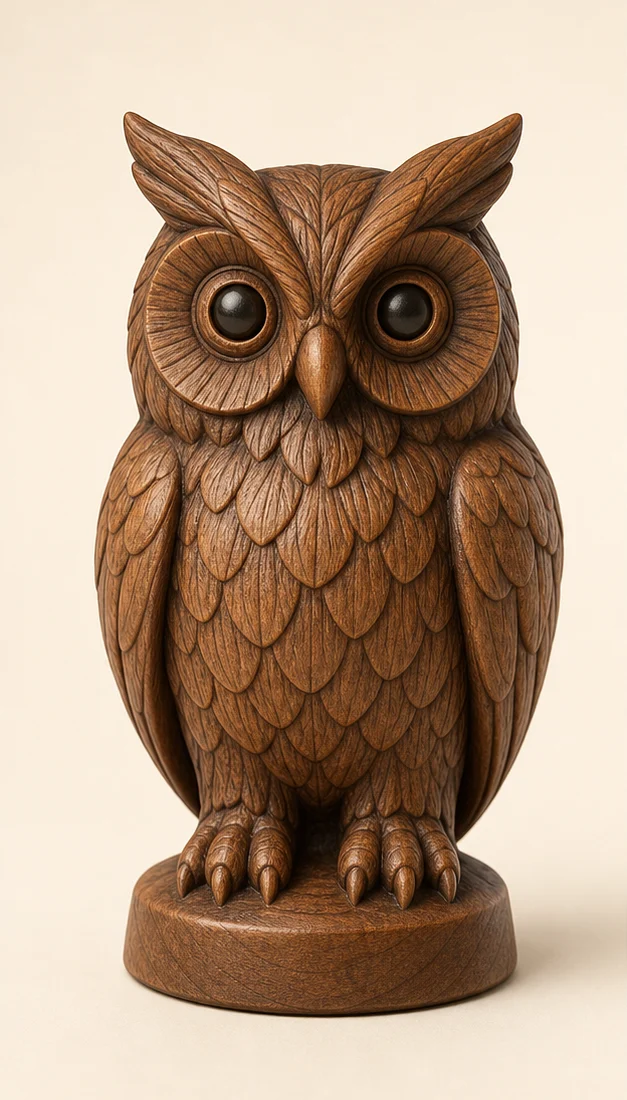
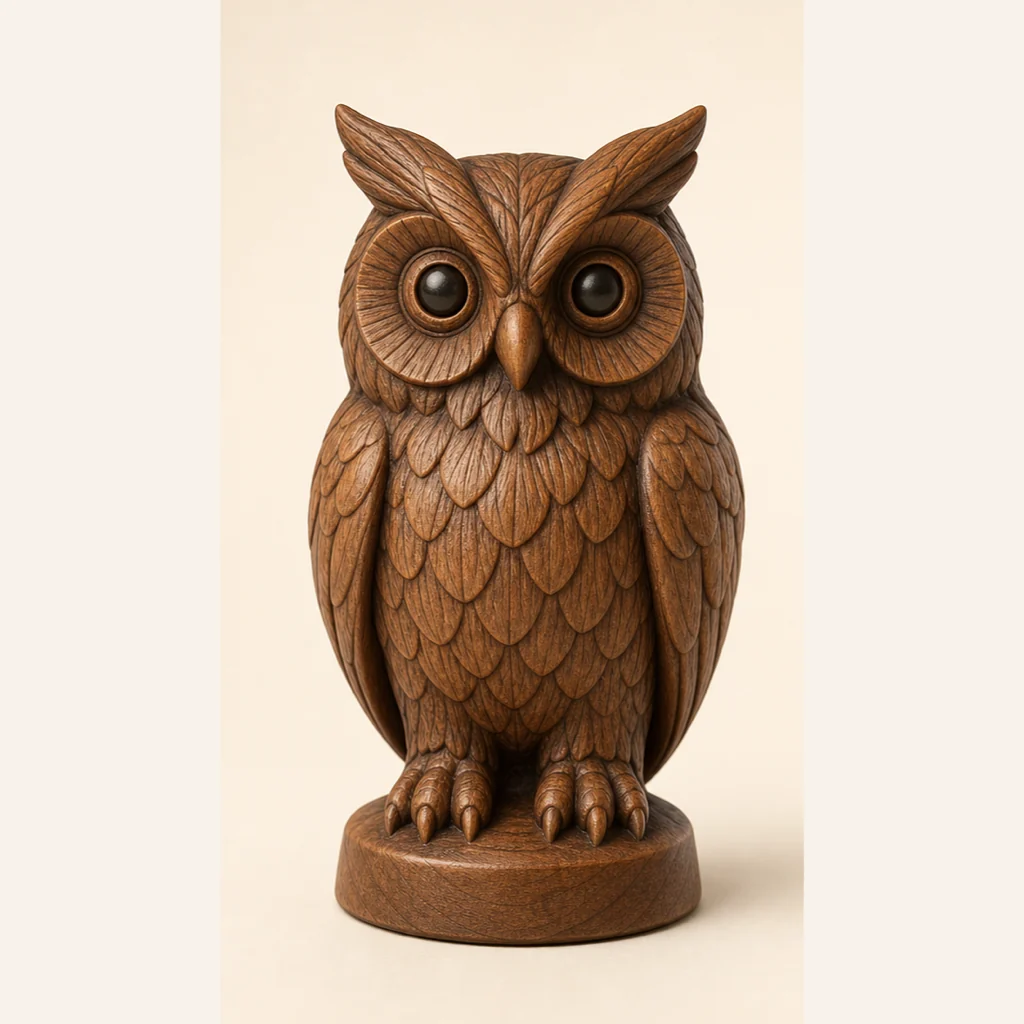 Good example
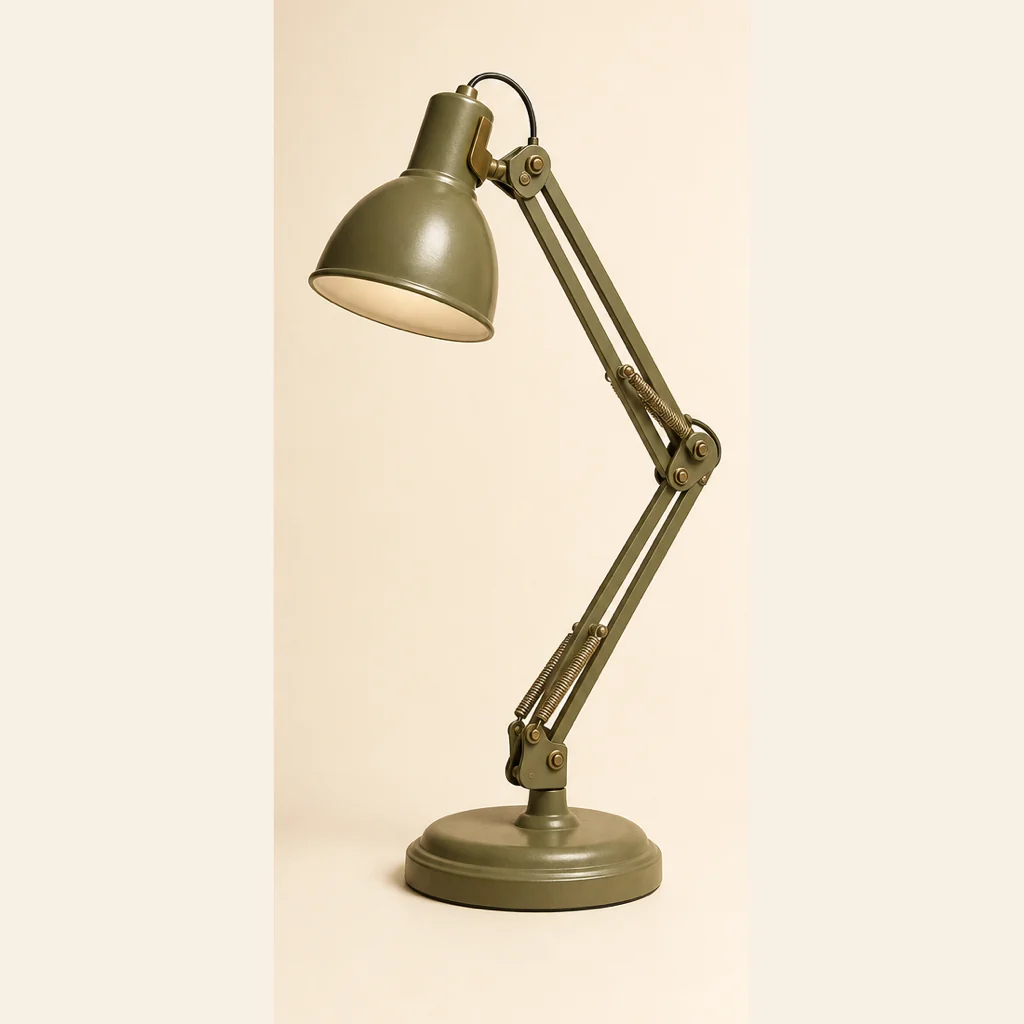 Good example
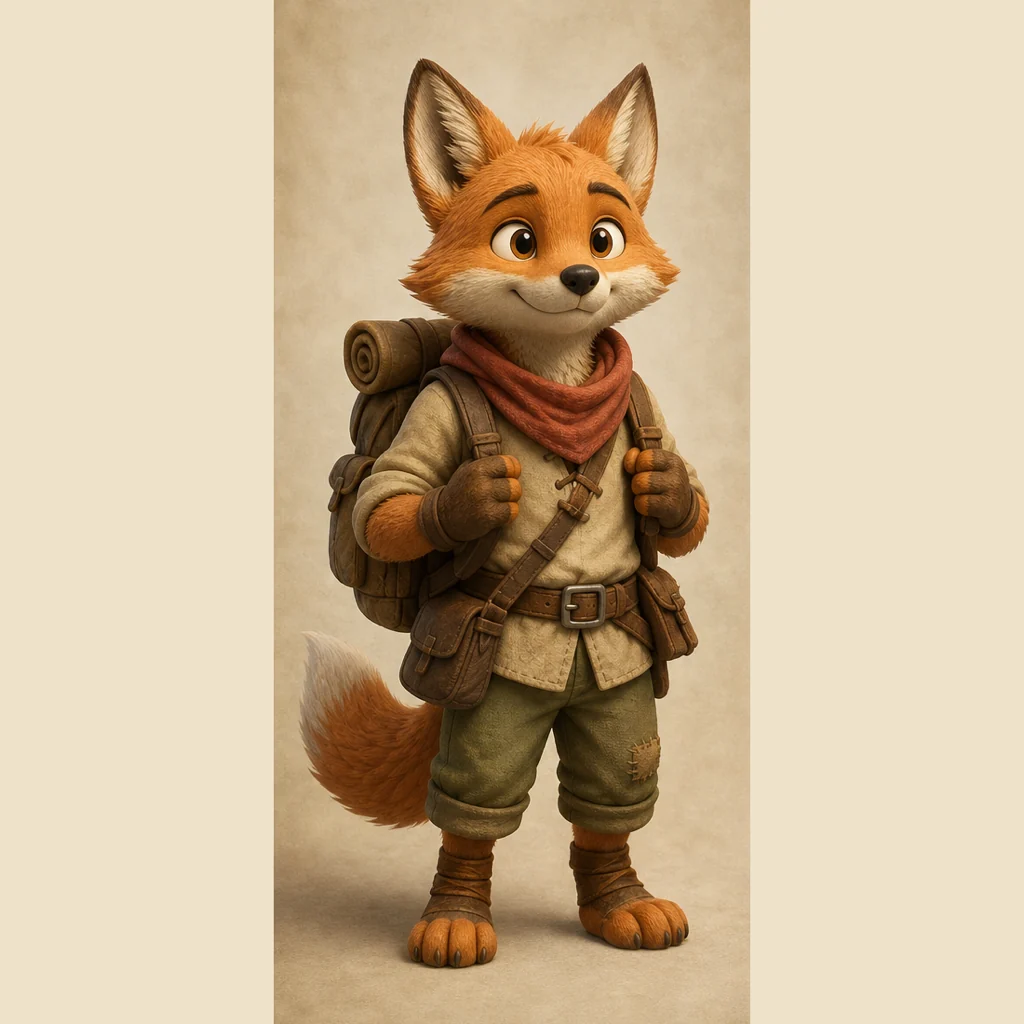 Good example
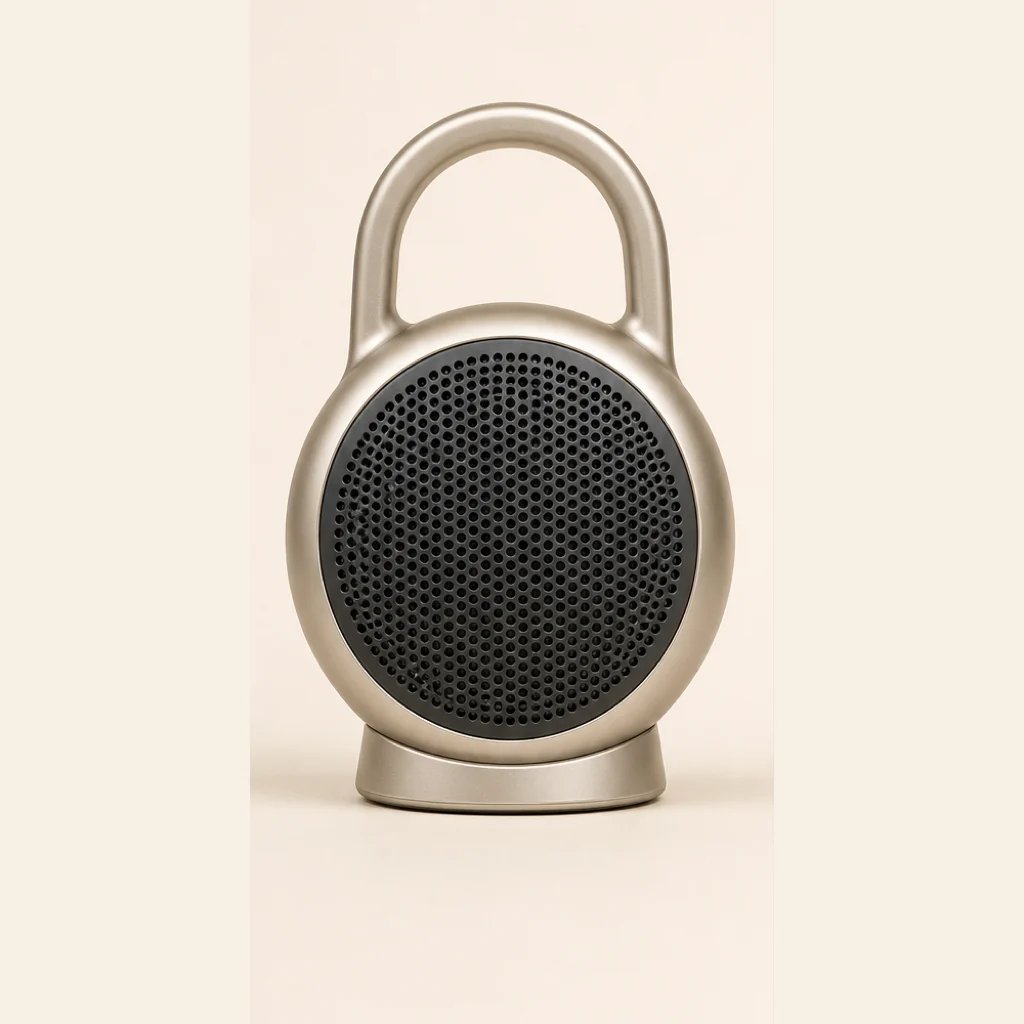 Bad example